
TikTok privacy guide
How to See Someone’s Activity on TikTok: What You Can See Legally
You can see some TikTok activity, but not a private, complete activity log. This guide explains Activity Status, profile views, public likes, comments, Family Pairing, and the privacy limits that matter.
Updated May 14, 2026
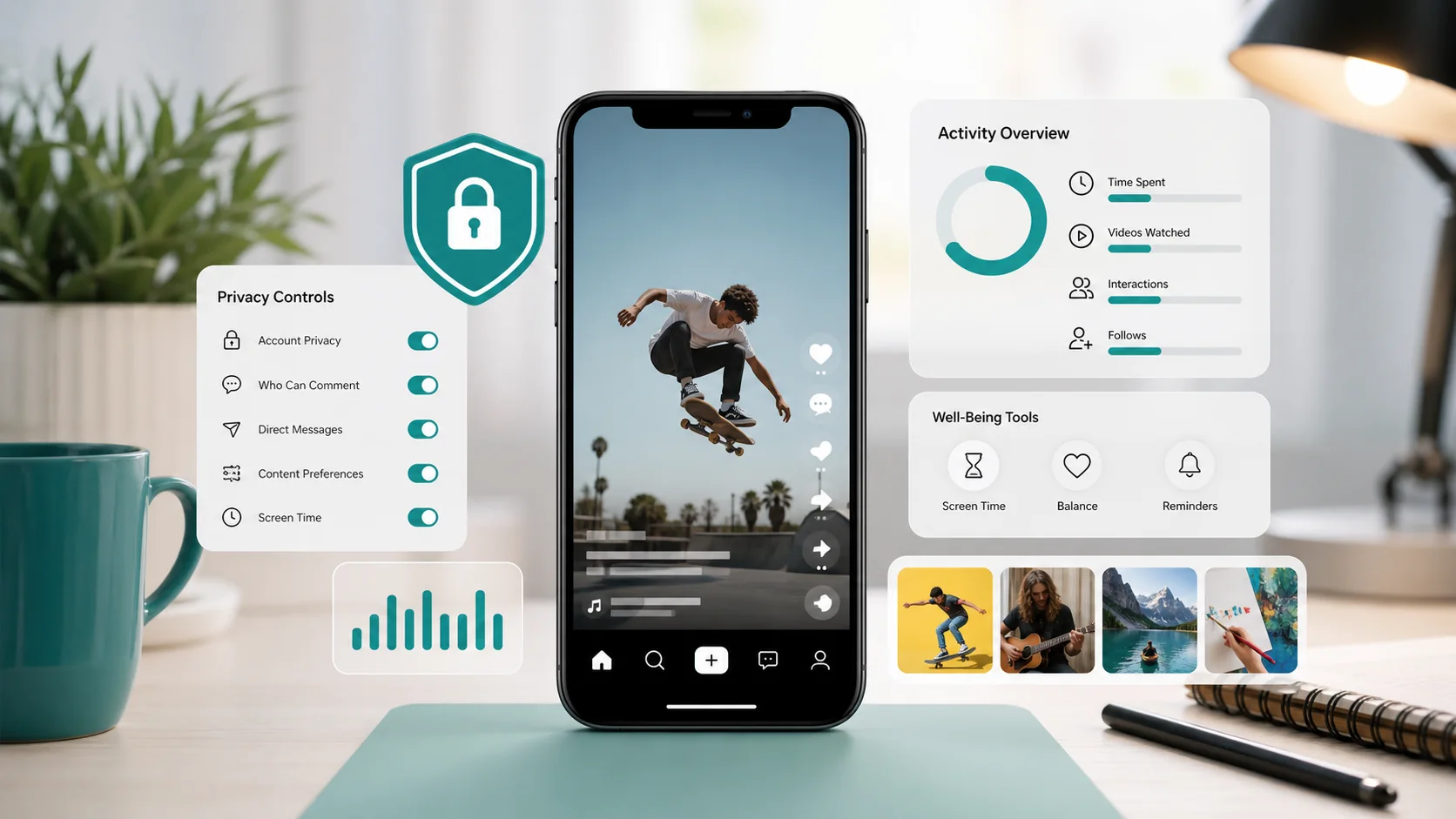
Quick Answer
You can see someone’s activity on TikTok only when TikTok makes that activity visible. That may include their Activity Status, public posts, public liked videos, visible comments, follower lists, following lists, and profile view history if both users have the right settings enabled.
You cannot secretly see another person’s full watch history, private likes, private messages, hidden comments, or private account activity. For teens, the official route is TikTok Family Pairing. For device-level safety, use transparent parental controls or monitoring tools only with the right consent and ownership.
5 Legal Ways to Check TikTok Activity
If you need a practical starting point, use these five methods. They cover what TikTok actually makes visible without bypassing privacy settings or using unsafe third-party tricks.
| Method | Best for | Privacy limit |
|---|---|---|
| Check Activity Status | Seeing whether a mutual follower is online or recently active | Both users must follow each other and both must enable Activity Status. |
| Check the Inbox or message thread | Looking for a green dot or recent active label | This does not reveal private watch history or hidden activity. |
| Review public posts and reposts | Understanding visible public profile activity | Private accounts and deleted posts are not visible. |
| Check public liked videos and following lists | Reviewing public interests and social graph signals | The account owner can make likes, followers, or following private. |
| Use Family Pairing or device-level controls | Parent or guardian supervision of a teen account | Works best when linked transparently and paired with family rules. |
What People Usually Mean by TikTok Activity
The phrase “how to see someone’s activity on TikTok” can mean several different things. Search results often mix them together, which is why the answer feels confusing. Before trying any method, separate the type of activity you want to check.
| Activity type | Can you see it? | How it works |
|---|---|---|
| Online or last active status | Sometimes | Use TikTok Activity Status when both accounts are mutual followers and both have it enabled. |
| Public posts and reposts | Usually | Open the profile and review visible posts, reposts, and public profile activity. |
| Liked videos | Sometimes | Only visible when the account owner has made liked videos public. |
| Comments | Partly | You may see comments under public videos, but TikTok does not provide a full public comment history. |
| Watch history | No | Watch history is private to the account owner. |
| Direct messages | No | Messages are private unless you are a participant or have authorized account/device access. |
| Teen safety settings | Yes, for parents | Use TikTok Family Pairing, iOS Screen Time, Android Digital Wellbeing, or consent-based parental controls. |
How to See If Someone Is Active on TikTok
TikTok’s Activity Status feature can show whether a person is currently active or was recently active. When someone is online, TikTok may show a green dot on their profile picture. When they were recently active, TikTok may show a last active label.
Activity Status is not a public tracker. TikTok limits it heavily. According to TikTok’s official support information, Activity Status is available only when both users follow each other, both users have the setting turned on, and the users meet TikTok’s eligibility rules.
Where Activity Status can appear
- The TikTok Inbox
- Direct message threads
- A mutual follower’s profile
- User lists when sharing or tagging
- Profile pictures that show the green dot indicator
How to check Activity Status
- Open TikTok.
- Tap Inbox.
- Open the message thread or profile for a mutual follower.
- Look for a green dot or last active label.
- If nothing appears, check whether your own Activity Status is enabled under Settings and privacy, then Privacy, then Activity Status.
Why Activity Status is not showing
If TikTok Activity Status is not showing, it usually means one of the basic requirements is missing. You may not be mutual followers. One of you may have Activity Status turned off. The other person may be under TikTok’s age requirement for the feature. They may not have been active recently, or TikTok may not show the feature for that account.
How to See Public TikTok Activity
Public activity is the safest and most reliable place to start. TikTok profiles can reveal a lot when the account owner has chosen public visibility. You do not need any special app to check public content.
Check the profile
Open the person’s TikTok profile and review visible posts, reposts, bio links, playlists, tagged content, and pinned videos. Public profiles usually show more than private accounts. Private accounts limit what non-approved viewers can see.
Check liked videos
Some accounts make their liked videos public. If likes are visible, open the profile and tap the liked videos tab. If the tab is locked or empty, the person has likely set liked videos to private.
Check followers and following
Depending on privacy settings, you may be able to see who the person follows and who follows them. This can help parents understand a teen’s public social graph, but it is not the same as seeing private activity.
Check comments carefully
TikTok does not give you a complete public comment log for another person. You may find comments under videos you both watch or under videos from creators they interact with. That is partial visibility, not a full history.
Use Profile View History for your own profile
TikTok’s Profile View History can show accounts that viewed your profile during a recent window, but only when the required settings are enabled. It is reciprocal: if you use the feature, others may also see that you viewed their profile when they have it enabled.
How Parents Can Monitor TikTok Activity Safely
For parents and guardians, TikTok Family Pairing is the most important official feature. It links a parent’s TikTok account with a teen’s account so the parent can manage safety settings. This is not the same as secretly reading every private message or viewing every watched video, but it gives parents real controls that match TikTok’s rules.
Family Pairing can help manage
- Daily screen time
- Screen time dashboard
- Scheduled time away
- Muted notifications
- Search settings
- Comment controls
- Direct message settings
- Liked video visibility
- Following, followers, and blocked account visibility where available
Parents should combine Family Pairing with open conversations. Ask what your child watches, who they follow, who contacts them, and what makes them uncomfortable online. The strongest safety setup is technical control plus trust, not secret surveillance.
Should You Use a TikTok Monitoring App?
A monitoring app can be useful when you are a parent managing a minor child’s device, an employer managing a company-owned phone with written policy, or an account owner auditing your own device. It should not be used to secretly watch a partner, adult child, coworker, friend, or private account.
Recommended consent-based option
For parents who need broader device visibility beyond TikTok, mSpy is a popular parental monitoring tool. Use it only on devices you own or manage, and only where consent and local law allow it.
Check mSpy parental monitoringAffiliate disclosure: Spy Wizards may earn a commission if you buy through the mSpy link above. This does not change our recommendation to use monitoring tools only for lawful, consent-based, parent/guardian, or device-owner situations.
Safe alternatives before using third-party software
- TikTok Family Pairing: Best official TikTok option for parents and guardians.
- iOS Screen Time: Useful for app limits, downtime, content restrictions, and usage reporting on iPhones.
- Android Digital Wellbeing: Useful for app timers, focus mode, bedtime mode, and device usage patterns.
- Router or DNS filters: Helpful for household-level content filtering, though not a complete TikTok activity log.
- Direct account review: Best when the account owner participates and shows settings, messages, and watch history voluntarily.
Red flags to avoid
Avoid any website or app promising to reveal private TikTok watch history, hidden likes, direct messages, deleted comments, or private account activity without permission. Those claims are often scams, malware traps, or privacy violations.
Related Spy Wizards Resources
If your concern is broader than TikTok, these guides explain safer ways to review phone activity, compare parental control options, and understand the legal boundaries around monitoring.
FAQs About Seeing Someone’s Activity on TikTok
Can you see if someone is active on TikTok?
Yes, but only in limited cases. You must be mutual followers, both accounts must have Activity Status enabled, and both accounts must meet TikTok’s eligibility rules.
Can you see someone’s last active time on TikTok?
Sometimes. TikTok may show a recent active label, but it does not show unlimited history. If the person has Activity Status turned off or you are not mutual followers, you usually will not see it.
Can you see someone’s TikTok watch history?
No. TikTok watch history is private to the account owner. You can see your own watch history, but you cannot open another person’s private watch history from your account.
Can you see what someone likes on TikTok?
Only if that person has made liked videos public. Many users keep liked videos private, so the liked videos tab may be locked or unavailable.
Can you see someone’s comments on TikTok?
Only comments that are visible under public videos. TikTok does not provide a complete searchable comment history for another user.
Can parents see TikTok activity?
Parents can use TikTok Family Pairing to manage screen time and safety settings. For broader device-level visibility, parents can use iOS Screen Time, Android Digital Wellbeing, or a lawful parental control app.
Can you monitor a private TikTok account?
You can only see what the private account owner allows you to see. Do not use tools that claim to bypass private account settings or reveal private activity without permission.
Is it legal to use a TikTok monitoring app?
It depends on ownership, consent, age, and local law. Parent/guardian monitoring of a minor child’s device is different from secretly monitoring an adult. When in doubt, get written consent and legal advice.
Final Takeaway
The honest answer is simple: you can see some TikTok activity, but you cannot see everything. TikTok may show Activity Status for mutual followers, public posts, public likes, profile views, followers, following lists, and comments that are visible under public videos. It does not give you secret access to another person’s private watch history, direct messages, hidden likes, or private account behavior.
For parents, start with TikTok Family Pairing and device-level safety controls. For broader monitoring, use a consent-based parental tool only when you have the right to manage the device. The safest page to publish on this topic is clear, practical, and privacy-aware.
Leave a Reply