
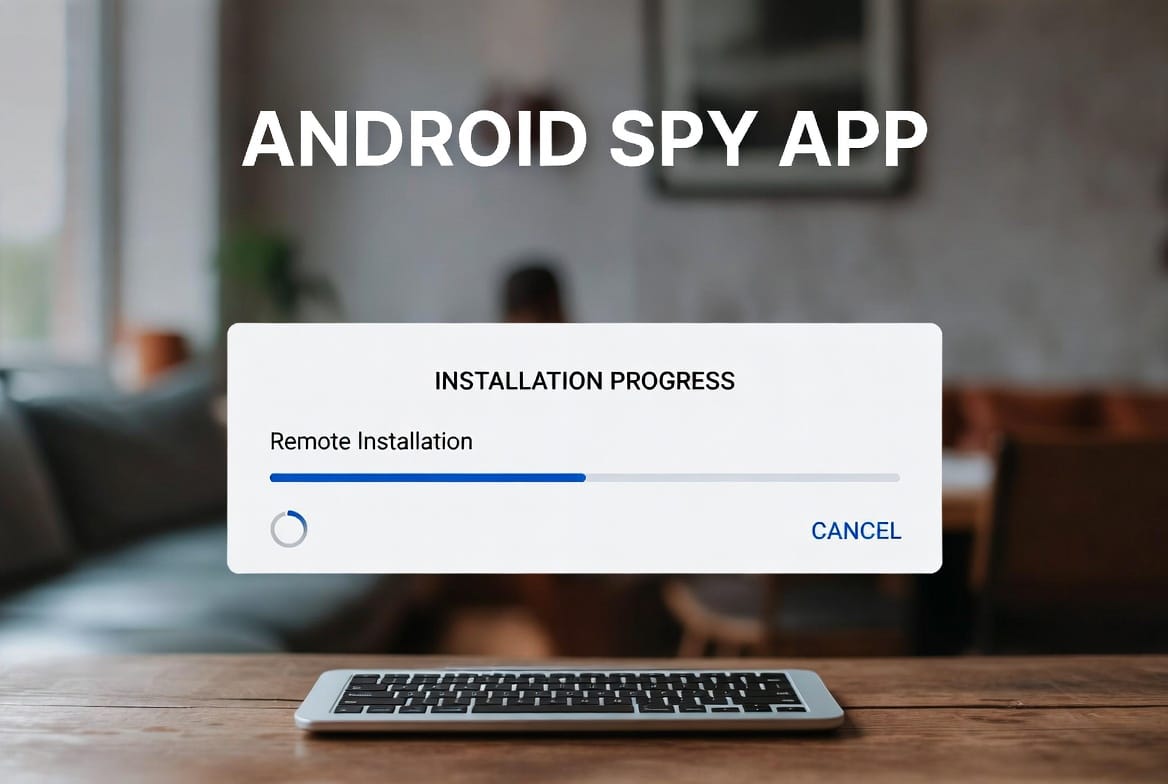
ANDROID SETUP GUIDE / UPDATED SEPTEMBER 2026
The honest answer: a monitoring app cannot normally appear on an unmanaged Android phone from a distance. One-time access is usually required to install the app and approve its permissions. Once that setup is complete on a phone you own or are authorized to manage, Sphnix can organize supported activity in a remote dashboard.
No phone-number shortcut. No invisible push to a random device. This guide separates legitimate Android setup from misleading remote-installation claims.
THE DIRECT ANSWER
Can you install an Android monitoring app remotely?
Not on a normal, unmanaged Android phone without interaction. Android requires an installation source, user-approved permissions, and security settings that cannot legitimately be bypassed by entering a phone number. A seller promising instant access to messages, calls, or GPS without setup is selling a claim rather than explaining the technology.
The practical model is different: complete a short, authorized setup on the Android device, grant only the permissions needed for the selected features, and then use the web dashboard remotely. This is the distinction buyers need before choosing Sphnix or another monitoring product.
A number, email address, or ordinary phone call cannot silently install a monitoring app.
Once an authorized phone is connected, supported records can synchronize to an online dashboard.
Organizations can distribute approved apps to devices enrolled in their management system.
Android version, manufacturer settings, permissions, and app compatibility determine available data.
WHY ZERO-ACCESS CLAIMS FAIL
Android is designed to make silent installation difficult
An Android spy app remote installation claim has to be measured against the operating system, not the seller’s advertisement. Four separate controls stand between a website and access to private phone records.
Installation approval
Apps outside Google Play require an allowed installation source. Opening a link does not complete the installation by itself.
Runtime permissions
Location, contacts, notifications, calls, and other records each depend on permissions approved on the device.
Restricted settings
Android may block sensitive settings for apps installed from unfamiliar sources until the device owner explicitly allows them.
Background controls
Battery and background restrictions can delay synchronization even after a valid installation has been completed.
A legitimate provider should explain which on-device approvals are needed before accepting payment. If the pitch says that a number alone unlocks calls, messages, or GPS, there is no credible installation path behind the promise.
WHAT “REMOTE” REALLY MEANS
Installation happens once. Monitoring happens remotely afterward.
The page answers the search query without leaving the buyer stranded. It explains the setup boundary, then shows the product experience they actually want.
Install from a distance
Not a normal option
A personal Android phone that was never prepared for management still requires someone at the device to approve installation and permissions.
Help from a distance
Practical
A support agent can guide the authorized owner by phone or screen-share while that person completes the actions on the Android device.
Managed distribution
Possible when pre-enrolled
A company can distribute approved applications through an existing Android Enterprise policy on devices it already manages.
Prepare before handoff
Practical
A parent or organization can configure an owned device first, verify the dashboard, and then provide it to the authorized user.
Android Enterprise describes management for enrolled work devices; it is not a tool for silently taking over an unrelated consumer phone. See the official overview.
INTERACTIVE ANDROID PRODUCT TOUR
See the dashboard buyers receive after setup
This is the useful meaning of remote Android monitoring: the authorized device completes the initial connection, then the buyer reviews available records from another phone or browser.
ANDROID CONNECTION
Review broader Android activity after setup
Android can support more activity categories after the app is installed on the authorized phone and the required permissions are granted. Device settings and battery controls can affect synchronization.
- Physical access is normally required to install
- Permissions control calls, messages, apps, and location
- Background access keeps dashboard updates current
SPHNIX SETUP WORKFLOW
What happens between checkout and the first dashboard update
This sequence prevents the common mistake of buying first and discovering later that a required record, Android version, or setup condition is unsupported.
- 01
Define the records you need
Decide whether the goal is location history, call records, messages, app activity, alerts, or a combination. A feature list is only useful when it matches the actual device and operating system.
- 02
Check the Android device
Confirm the model, Android version, account ownership, network access, and whether an employer or another administrator already manages the phone.
- 03
Complete the authorized install
Use the installation instructions on the device, approve the required source, and grant only the permissions associated with the features selected.
- 04
Run the first synchronization
Open the dashboard and verify current device status, a recent location update, and at least one supported activity category before ending the setup session.
- 05
Review health, not just records
Watch last-sync time, battery state, permissions, and connection alerts. These indicators explain missing data faster than repeatedly reinstalling the app.
BEFORE YOU BUY
Sphnix compatibility preflight
- You own or are authorized to manage the Android phone
- You can access it for initial setup
- You know the model and Android version
- You have listed the records that matter most
- You understand that encrypted or deleted data is not guaranteed
- You can test the first sync before leaving the device
LEGITIMATE SETUP PATHS
Choose the route that matches the device
One-time Android setup
Best for a personal or family-owned phone. Check compatibility, install directly, grant the selected permissions, and confirm synchronization.
Guided installation
Best when the buyer needs help. A support session can explain each step, but someone with authorization still operates the device.
Enterprise enrollment
Best for company-owned fleets. Previously enrolled devices can receive approved apps through an established management policy.
ANDROID COMPATIBILITY
Check the phone category before choosing features
Compatibility is not a single yes-or-no label. Android version, device manufacturer, security policy, battery manager, and approved permissions all affect what the dashboard can receive.
The matrix is a purchasing screen, not a universal feature guarantee. Confirm the exact model, Android version, and desired records with the provider.
WHAT THE DASHBOARD MAY SHOW
Useful records depend on a healthy connection
After an authorized setup, Sphnix is designed to organize supported data into readable views instead of making the buyer search through raw exports.
- Device status: last sync, battery, connection, and alerts
- Location: recent points and history when location access is available
- Communication: supported call and message records
- Apps and web: available usage, browser, and application summaries
- Reports: consolidated activity for easier review
TROUBLESHOOTING
When the dashboard stops updating, check these first
Most synchronization problems are configuration or connection issues. Diagnose the last known state before deleting the app or paying for another service.
Check network and battery controls
Confirm the device is online and that its battery manager has not suspended background activity.
Review the relevant permission
A permission can be removed after an update or changed by the device user. Verify only the permission needed for that category.
Check location availability
Location mode, weak GPS reception, background limits, and network conditions can all delay a new point.
Recheck compatibility
Major Android updates can change security rules. Confirm the current app version and repeat the provider’s health check.
BEFORE SENDING PAYMENT
Seven questions expose weak remote-installation offers
A credible Android spy app remote installation guide should make the technical path understandable before asking for money. Ask these questions in writing and compare the answers with the phone you actually control.
- Which Android versions and manufacturers are supported?“All phones” is not a compatibility answer. Request the supported range and any manufacturer-specific setup notes.
- Exactly what must be done on the device?The provider should name the installation, permission, and first-sync steps instead of hiding them behind “remote activation.”
- Which requested records work on this model?Ask separately about location, calls, SMS, app activity, browser data, and social applications. Do not accept one broad “everything” claim.
- How do I confirm the connection is healthy?A useful dashboard should show last synchronization, device status, or another way to distinguish missing data from an offline phone.
- What changes after an Android update?Security updates can affect permissions or background behavior. Ask whether compatibility is retested and how support handles changes.
- What support and cancellation routes exist?Confirm how to contact support, where billing terms are displayed, and what evidence is required for a compatibility dispute.
- How is dashboard data protected?Use a unique password, enable available account security, and ask how access is removed when monitoring ends.
BUYING OPTIONS
Start with Sphnix or compare verified alternatives
Sphnix is the primary option for buyers who want the visual dashboard shown above. Partner products give readers alternatives when another setup or price point fits better.
Partner links may earn Spy Wizards a commission at no additional cost to the buyer.
How we evaluate Android monitoring options
We compare the clarity of the setup requirements, platform compatibility information, visible product experience, dashboard health indicators, support path, pricing transparency, and the limits stated before checkout. A provider loses trust when it promises access without explaining how the Android phone is connected.
- Choose Sphnix when the visual dashboard and guided compatibility path shown on this page fit the buyer’s priorities.
- Compare an alternative when it documents better support for the exact phone, Android release, or required record.
- Do not buy yet when the provider cannot explain installation, permissions, cancellation, or what happens after an OS update.
SOURCES AND EDITORIAL METHOD
How this guide was checked
This guide separates consumer Android setup from enterprise management by comparing product claims with Google’s documentation. Product availability still needs to be confirmed for the buyer’s exact device. We do not treat a marketing claim, a phone-number lookup, or a download link as proof that silent installation is technically possible.
- Google Android Help: restricted settings for downloaded apps
- Google for Developers: Android Enterprise overview
- Android Management API: app distribution on managed devices
Reviewed September 17, 2026. Recheck compatibility whenever Android or the monitoring app receives a major update.
FREQUENTLY ASKED QUESTIONS
Android remote installation questions
Can an Android spy app be installed remotely without touching the phone?
A normal unmanaged Android phone usually requires one-time access for installation and permission approval. Remote viewing begins after that setup.
Can a phone number install a monitoring app?
No. A phone number does not provide installation rights, unlock the device, or expose private Android records.
Does Android monitoring require rooting?
Many basic monitoring features do not require rooting. Advanced records may have different requirements, so compatibility should be confirmed before purchase.
What happens after Sphnix is connected?
The dashboard can organize the supported records reported by the device, including status, location, communication, app activity, and alerts.
Can a monitoring app be sent through a text message or email?
A message can contain an installation link, but the authorized user must still open it, approve the installation source, install the app, and grant permissions. The link itself does not silently install software.
Can a company install an app remotely on a managed Android phone?
An organization can distribute approved apps to company-owned devices that were enrolled in its Android management system beforehand. That is different from taking control of an ordinary unmanaged phone.
Why did Android monitoring stop synchronizing?
Common causes include revoked permissions, battery optimization, loss of network access, an operating-system update, or an app-specific compatibility change. Check device health and permissions before reinstalling.
Is phone monitoring legal?
Rules vary by location and relationship. Use monitoring only on a device you own or are expressly authorized to manage, and obtain any consent required by local law or workplace policy.
READY TO CHECK COMPATIBILITY?
Choose the Android plan after confirming what your device supports.
Sphnix puts the remote dashboard experience first and explains the installation boundary before checkout.
ANDROID SETUP CHECK
Confirm compatibility before buying
Choose Sphnix when you can complete an authorized Android setup and want to review supported activity remotely.
Leave a Reply