
You cannot read an iPhone’s messages, calls, photos, apps, or live GPS location with only its phone number. A number is an address for calls and texts, not a password to the phone. Legitimate iPhone monitoring needs a feature that the owner has enabled, an authorized account, or hands-on setup on a device you own or manage.
People searching for how to spy on iPhone usually want one of three things: to find a family member, supervise a child’s phone, or check whether their own iPhone is being monitored. Those problems are real. The promise that a website can reveal an entire iPhone after you type one number is not.
If your exact question is whether you can spy on iPhone with just the number, the answer is no. This guide explains what is technically possible, which setup each option requires, what Sphnix is designed to help you review, and how to check an iPhone for unwanted access. You can get the useful answer without paying someone for an impossible “number-only hack.”
Can You Spy on iPhone With Just the Number?
No. Knowing a phone number does not create a connection to the storage inside an iPhone. It does not defeat the passcode, sign in to the Apple Account, approve two-factor authentication, or grant an app permission to collect data.
A phone number can still be useful in limited ways. A caller-ID or reverse-lookup service may return a public name, carrier, country, or broad registration area. A location-request service can text the person a link, but the recipient must open the link and agree to share a location. Neither method silently opens the phone.
| Claim or method | What it can actually show | What it requires | Verdict |
|---|---|---|---|
| Enter a number and read iMessages | No legitimate consumer service can retrieve message content this way. | Nothing offered is credible. | Not possible |
| Reverse phone lookup | Public or commercially collected identity and carrier data, where available. | A phone number and a legitimate lookup provider. | Limited |
| Location request by text | A location after the recipient opens a link and permits sharing. | Recipient participation and location permission. | Consent required |
| Apple Find My sharing | Current or last available device location, depending on settings. | Location sharing or ownership of the Apple Account and device. | Works when enabled |
| Parental or device monitoring | Only the categories supported by the selected tool and iOS setup. | Ownership or permission, a compatible plan, and documented setup. | Authorized setup |
How to Spy on iPhone: Options That Actually Work
The best choice depends on what you need to see and who owns the phone. Start with the least invasive option that solves the problem.
Find My and location sharing
Best for locating your own device or sharing location within a family. The person or family organizer must configure sharing correctly.
Apple Family Sharing and Screen Time
Best for age-appropriate controls on a child’s account. It can manage limits and purchases, but it is not a secret message-reading tool.
Company device management
Best for an employer-owned iPhone under a disclosed policy. Mobile device management controls settings and security posture, not an employee’s private life.
Authorized monitoring software
Best when built-in controls are too limited. Check iOS compatibility, setup access, available data, retention, cancellation, and support before paying.
What physical access changes
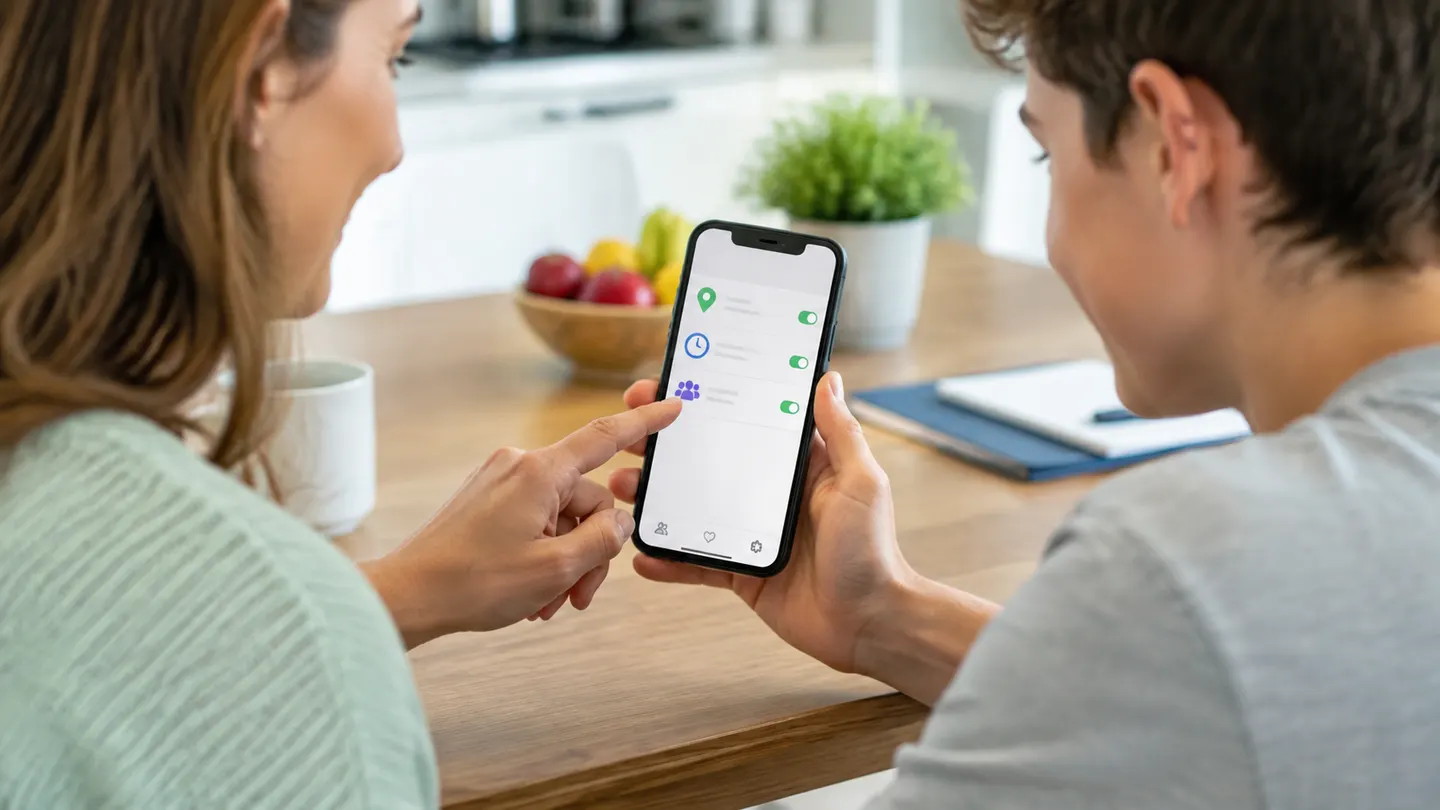
Hands-on access to an unlocked iPhone lets the owner install an app, approve permissions, verify an account, or enroll a managed device. That is why reputable services disclose an installation or account-verification step. Physical access does not make covert monitoring lawful, and a spouse’s passcode does not equal permission.
What “no jailbreak” really means
No-jailbreak normally means the tool works within Apple’s supported permissions, account services, backups, or device-management framework. It does not mean “no setup” and it does not turn a phone number into access. A product page should name the setup path instead of hiding it behind the phrase.
Where Sphnix Fits
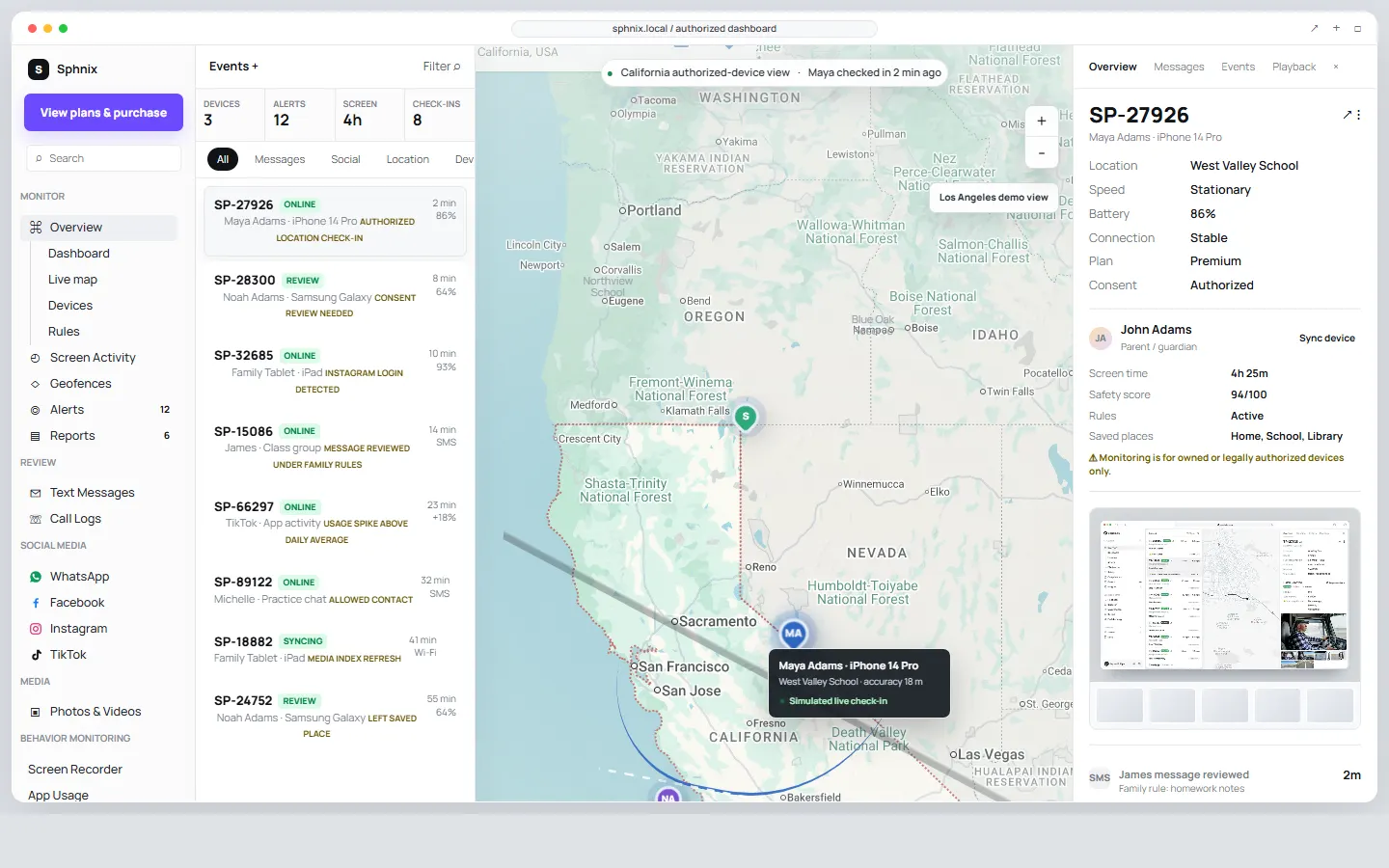
Sphnix is the Spy Wizards monitoring dashboard option for a phone you own, a child device you are responsible for, or another device you are expressly authorized to manage. Its demo is useful because you can inspect the workflow before choosing a plan: devices, alerts, messages, call records, location check-ins, media review, app activity, and reports are organized in one dashboard.
The screenshot at the top of this page is taken from the live Sphnix demo. It shows the interface, not a promise that every data category is available on every iPhone. Available data depends on the device, permissions, plan, and completed setup.
See the Monitoring Workflow Before You Buy
Open the live Sphnix demo and test the dashboard yourself. If the workflow fits your family or managed-device needs, compare the plans. Do not buy any monitoring product until its setup requirements match the iPhone you are authorized to manage.
Check these five points before choosing Sphnix or any alternative
- Ownership and permission: confirm that you may monitor the device and that your setup follows the rules where you live.
- iPhone and iOS compatibility: verify the exact model and current iOS version with support before payment.
- Setup access: ask whether the device must be unlocked, whether account verification is required, and what happens after an iOS update.
- Data coverage: separate supported data from dashboard demo data. Messages, social apps, live location, and deleted items are not interchangeable promises.
- Billing and support: read the plan duration, refund terms, renewal terms, and support route.
If you are still comparing products, read our iPhone monitoring app comparison. For the narrower setup question, see whether iPhone monitoring can work without touching the device. These pages support this guide rather than replacing its main answer.
What Can Someone Learn From Your Phone Number?
A number may expose more than people expect, but less than the ads promise. Depending on public records and data brokers, a lookup might connect it to a name, old address, business listing, carrier, or reported-spam history. Someone can also use the number for phishing, password-reset attempts, or a SIM-swap attack against the mobile account.
Those are serious risks, but they are not the same as viewing the iPhone. A SIM swap transfers control of the phone number at the carrier. It may let a criminal receive new SMS codes, but it does not automatically copy old iMessages, photos, or app history from the device.
How to Check Whether Your iPhone Is Being Monitored
If your real concern is your own privacy, start with account access and sharing. Battery drain alone proves very little. An unfamiliar signed-in device, an unknown management profile, unexpected location sharing, or a carrier account change is much stronger evidence.
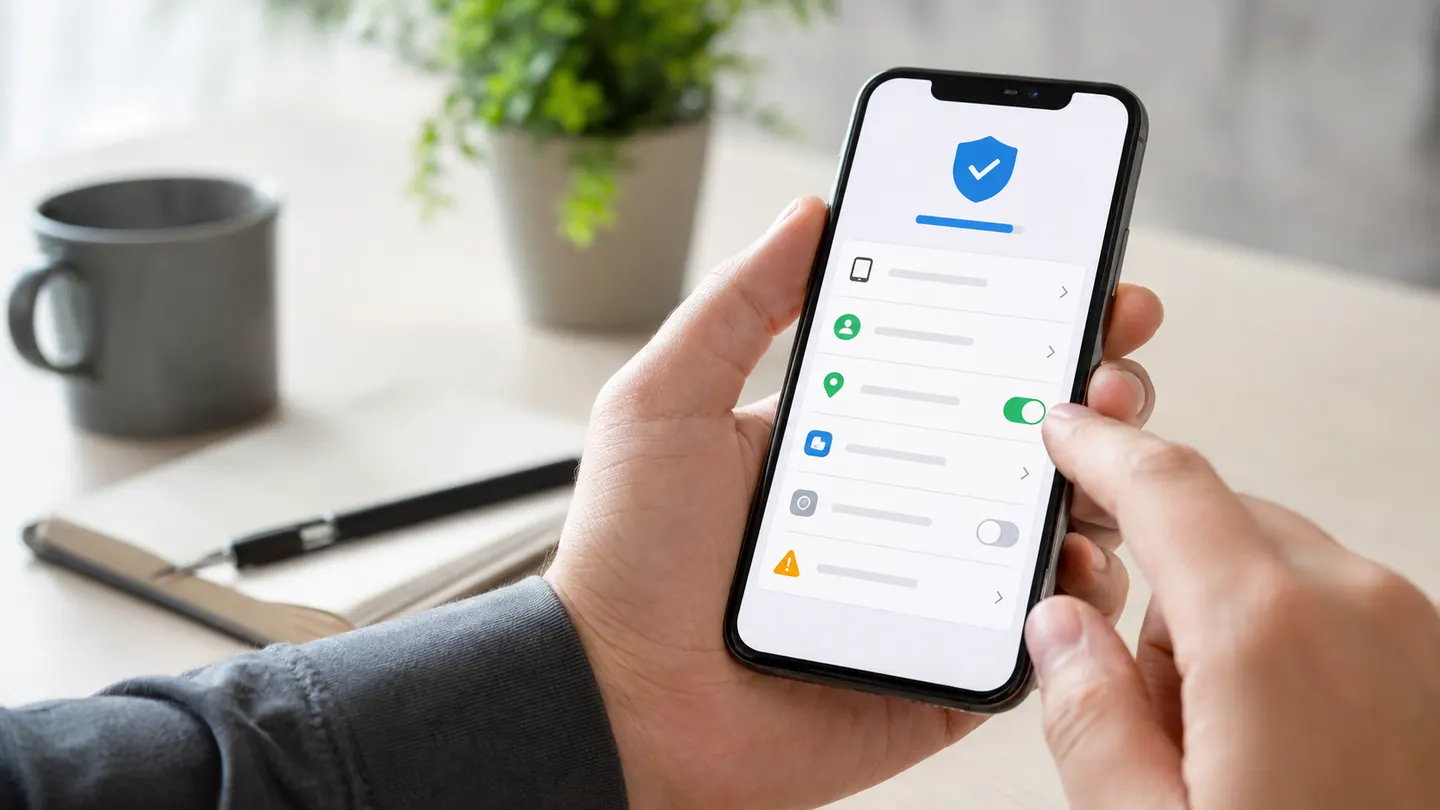
- Run Safety Check: on iOS 16 or later, open Settings, Privacy & Security, then Safety Check. Apple says this tool can review or stop sharing with people and apps.
- Review Apple Account devices: tap your name in Settings and remove devices you do not recognize.
- Inspect location sharing: open Find My and review the People tab, then check which apps have Location Services permission.
- Check management profiles: open Settings, General, VPN & Device Management. A personal iPhone often has no management profile unless work or school enrolled it.
- Protect the mobile account: ask your carrier for an account PIN or port-out lock. This helps prevent number theft through a SIM swap.
- Update credentials from a trusted device: change a reused Apple Account password, confirm trusted numbers, and keep two-factor authentication enabled.
Apple’s Personal Safety guide explains Safety Check and sharing controls. If you cannot account for a profile, device, or login, preserve screenshots before removing it. That record may help Apple Support, your carrier, an employer’s IT team, or law enforcement understand what changed.
How to Avoid Fake iPhone Spy Services
The easiest scam to spot is the one that promises everything and explains nothing. Leave the page if it guarantees silent access from a phone number, asks for someone else’s Apple Account password, sells a passcode bypass, or claims it can recover every deleted message.
A credible monitoring provider should publish device requirements, distinguish iPhone features from Android features, explain billing, provide a privacy policy, and offer a support contact. A dashboard screenshot is useful proof of interface quality, but it is not proof that every feature works on every iPhone. Ask direct questions before paying.
Frequently Asked Questions
Can someone read my iPhone texts with just my phone number?
No. A phone number alone does not reveal stored SMS or iMessage conversations. Account compromise, an unknown linked device, or a SIM swap creates different risks and requires different checks.
Can I spy on iPhone with just the number for free?
No legitimate free tool can open an iPhone’s messages, photos, calls, and GPS from its number. A free reverse lookup may return limited public information. A location-request link still needs the recipient to participate.
Can an iPhone be monitored without installing an app?
Some Apple features work without a separate monitoring app, including Find My, Family Sharing, and Screen Time. They still require ownership, an authorized account, or sharing configured on the iPhone. Their visibility is narrower than a dedicated monitoring dashboard.
Does Sphnix work from only a phone number?
No. The phone number identifies the device during onboarding; it does not unlock the iPhone. Compatibility, permissions, authorization, and setup must be confirmed before monitoring data can appear.
What is the safest first step for a parent’s iPhone?
Start with Apple Family Sharing, Screen Time, and Find My. If those controls do not provide the review workflow your family needs, compare a dedicated product and confirm its iPhone setup requirements before purchase.
Ready to Compare the Real Options?
Use the live dashboard to decide whether Sphnix gives you the review flow you need. The demo is the fastest way to understand the product without relying on a vague feature list.
Leave a Reply