
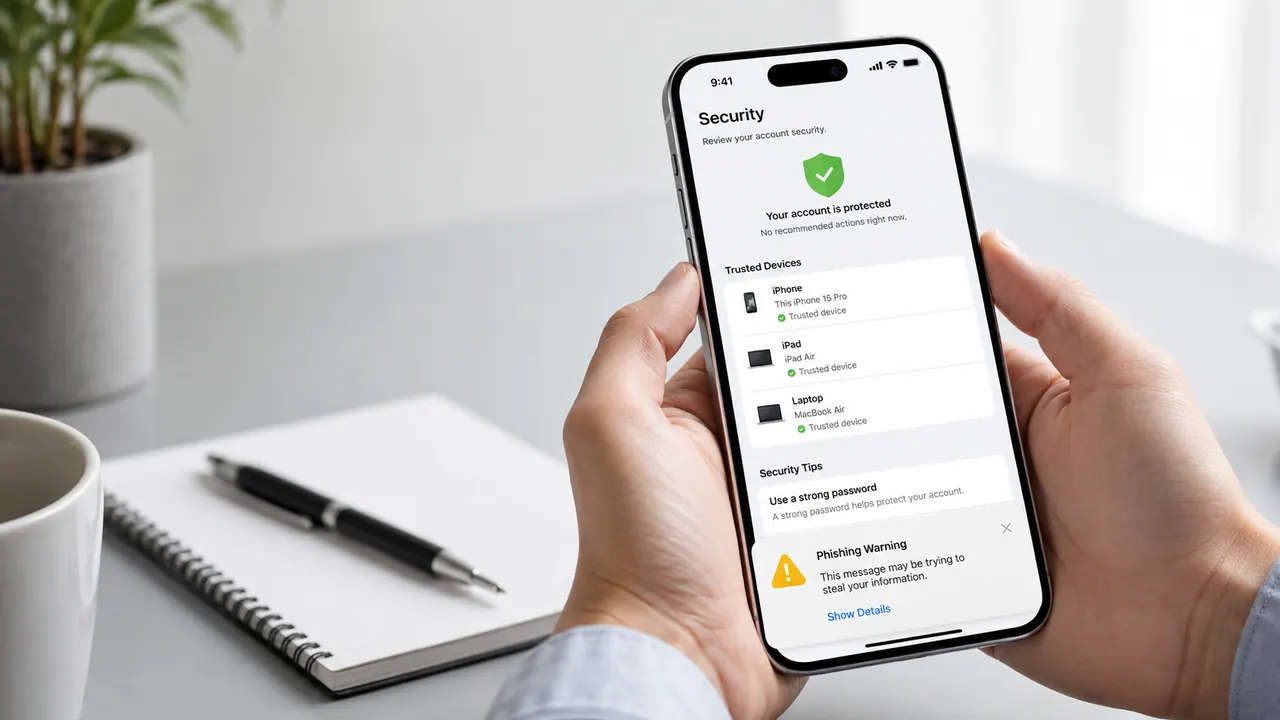
If you searched how to hack an iPhone, the honest answer depends on what you mean. An iPhone can be compromised through a stolen Apple Account, phishing, unsafe profiles, an exposed passcode, or rare high-end spyware. But a stranger cannot normally type in a phone number and instantly read messages, photos, calls, and live location. This guide explains the real risks, the scams, and the lawful options for securing your own phone or managing a device you are authorized to monitor.
Quick answer: Yes, iPhones can be hacked, but the common routes are account takeover, social engineering, malicious configuration, and physical access. If the phone is yours, secure the Apple Account first and review connected devices. If your goal is family supervision, use Apple family controls or a disclosed monitoring product. Accessing another adult’s device or account without permission is not a legitimate shortcut.
Need iPhone monitoring rather than a “hack”?
See the Sphnix interface before choosing a plan. The demo shows the dashboard and helps you decide whether a monitoring workflow fits a phone you own or are authorized to manage.
How to hack an iPhone: what is technically possible?
The word “hack” covers several very different events. Treating them as one problem leads people toward bad advice and expensive scams. These are the routes that matter most in ordinary cases:
- Apple Account takeover: A reused password, stolen recovery code, or approved sign-in prompt can expose synced data and account settings.
- Phishing and social engineering: A convincing message can lead the owner to a fake sign-in page or persuade them to share a verification code.
- Known passcode or physical access: Someone who can unlock the phone may change settings, add an account, share location, or pair another service.
- Configuration profiles and device management: A profile installed for work or school can control defined settings. An unknown profile deserves investigation.
- SIM-swap or carrier-account fraud: Taking over a number can help an attacker intercept calls or SMS-based recovery, though it does not automatically unlock the iPhone.
- Rare targeted exploits: Sophisticated spyware exists, but it is expensive, selective, and very different from the “pay in crypto and wait ten minutes” offers sold online.
Apple’s own guidance says signs of a compromised Apple Account can include unfamiliar sign-ins, unexpected two-factor codes, unknown trusted devices, account details you did not change, and purchases you do not recognize. Those signals are more useful than vague claims that every warm phone or weak battery proves spyware.
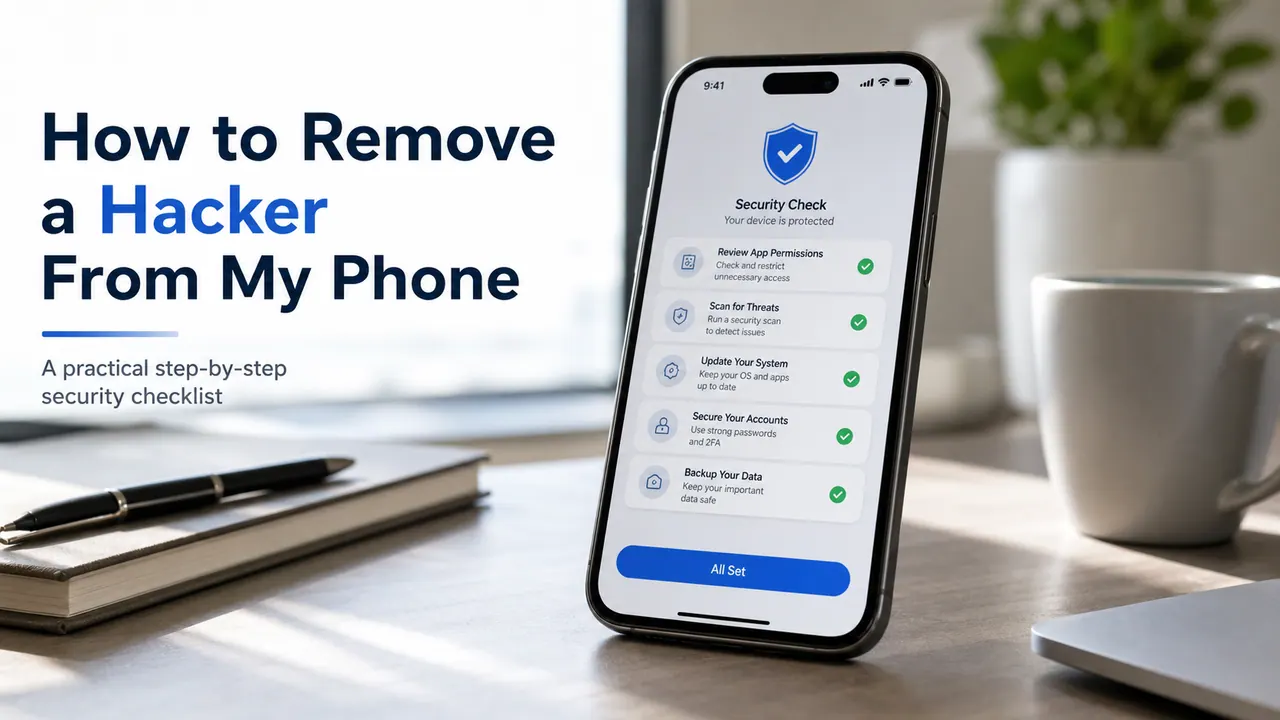
What is not realistically possible?
A phone number by itself is not a password, an Apple Account credential, or permission to access a device. Knowing a number may help a criminal target someone with phishing or a carrier scam, but it does not normally reveal iMessages, WhatsApp chats, camera footage, or continuous GPS data.
Be especially cautious when a seller promises all of the following at once: no device access, no Apple credentials, no setup, instant results, permanent invisibility, and guaranteed access to every app. That bundle of claims conflicts with how iOS permissions and account security work. Common outcomes are a fake dashboard, repeated “activation” fees, identity theft, or pressure to send a verification code.
How to tell whether your iPhone or Apple Account is compromised
No single symptom proves an attack. A battery can drain because of an iOS update, weak cellular coverage, an aging battery, or a busy app. Look for combinations of evidence:
- Apple sends a sign-in alert you do not recognize.
- You receive a two-factor code you did not request.
- An unfamiliar device appears under your Apple Account.
- Your password, recovery number, or account details changed unexpectedly.
- Messages, purchases, calendar events, or location sharing appear without your action.
- An unknown VPN, configuration profile, or device-management entry appears in Settings.
- Your carrier reports a SIM change or number-port request you did not make.
Apple’s Safety Check on supported iPhones can review who receives your information, which apps have access, and which devices connect to your account. It can also stop sharing quickly. If personal safety is involved, use a separate safe device to seek help before changing settings; removing access can alert an abusive person.
Secure an iPhone you own
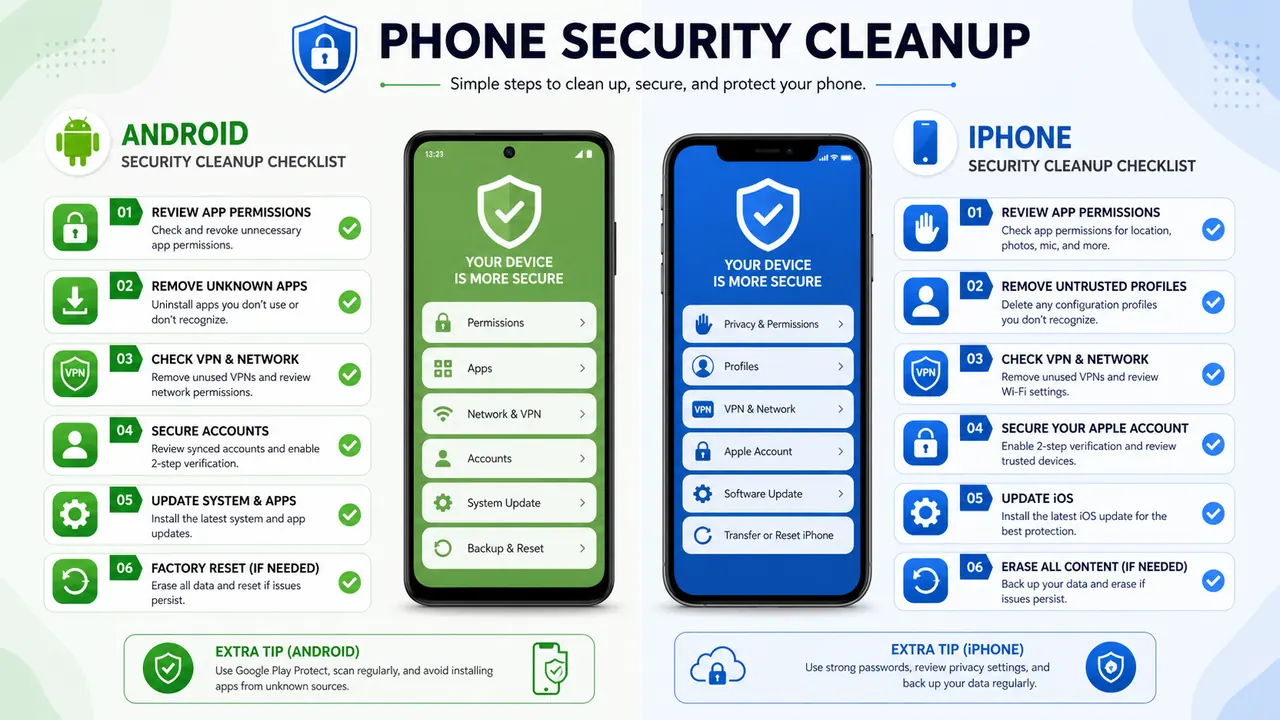
- Change the Apple Account password from a trusted device. Do not follow a sign-in link from an unexpected text or email.
- Review the device list. Remove devices you do not recognize and verify your recovery phone numbers and email addresses.
- Open Safety Check. On supported versions, go to Settings, Privacy & Security, then Safety Check to review sharing and access.
- Inspect profiles and VPNs. Work and school profiles can be legitimate. Confirm the organization before removing one.
- Update iOS and apps. Security updates close known vulnerabilities and should not be postponed on a phone under suspicion.
- Protect the carrier account. Add a unique account PIN and ask about port-out protection.
- Secure connected accounts. Start with the primary email account, then banking, messaging, social media, and cloud services.
- Preserve evidence when needed. Save screenshots, dates, alerts, and carrier messages before resetting a device involved in fraud, stalking, or workplace investigation.
For people at elevated risk from highly targeted attacks, Apple also provides Lockdown Mode. It is an extreme protection mode with feature tradeoffs, not a general speed or antivirus setting. Most owners should begin with account recovery, updates, two-factor authentication, Safety Check, and carrier protection.
Lawful ways to monitor an iPhone
If the real goal is parental control, a company-owned device program, or management of your own phone, begin with the least intrusive tool that meets the need. Apple Family Sharing, Screen Time, Ask to Buy, Communication Safety, and shared location may be enough. Third-party products can add a separate dashboard, but iOS limits and setup requirements differ from Android.
Before paying, verify the current iOS version supported, whether physical access or Apple Account authorization is required, which features work on iPhone, whether the phone owner will see setup indicators, how data is stored, and what the refund policy covers.
| Option | Best reason to consider it | Check before buying | Next step |
|---|---|---|---|
| Sphnix | Buyers who want to inspect the Spy Wizards dashboard experience first | Confirm the plan, setup process, and iPhone feature coverage | View the live demo |
| mSpy | Parents comparing an established monitoring product | Verify current iOS compatibility and required account or device access | Check mSpy |
| Eyezy | Families comparing dashboard and alert workflows | Confirm which advertised features apply to the intended iPhone setup | Check Eyezy |
| Parentaler | Parents focused on family supervision | Read installation, cancellation, and iOS limitations before payment | Check Parentaler |
Disclosure: Some product links are affiliate links. Spy Wizards may earn a commission without increasing your price. Product capabilities and compatibility can change, so verify them on the provider’s current page.
For a narrower comparison, see what no-jailbreak iPhone monitoring requires and our guide to mSpy alternatives. Monitoring an adult partner without informed permission is not converted into lawful use merely because the software is sold as parental control.
When to hire a security professional
A legitimate professional can assess a device you own, investigate account takeover, preserve evidence, or test an iOS app under written authorization. They should define the device or app in scope, the accounts they may access, the tests they will perform, the evidence they will preserve, and the report you will receive.
They should not promise to break into a stranger’s account, bypass Activation Lock on a questionable device, steal messages, or hide surveillance from an adult phone owner. If money was stolen, a carrier account was changed, or threats are involved, contact the relevant provider and local authorities as well as a qualified incident-response or digital-forensics professional.
Reliable sources used for this guide
- Apple: steps to take when an Apple Account may be compromised
- Apple Personal Safety: Safety Check on iPhone
- FTC Consumer Advice: stalkerware warning signs and safety planning
- CISA: mobile communications security practices
Choose the right next step
If you are securing a compromised phone, follow the recovery checklist first. If you are comparing disclosed monitoring for a device you manage, inspect Sphnix before paying so the dashboard and purchase path are clear.
Frequently asked questions
Can someone hack an iPhone remotely?
Remote compromise is possible through stolen account access, malicious links, or rare targeted exploits. A public service claiming guaranteed access to any current iPhone with no setup is far more likely to be a scam than a working exploit.
Can an iPhone be hacked with just the phone number?
A number can be used to target the owner with phishing or carrier fraud, but the number alone does not normally unlock the iPhone or provide messages, photos, and live GPS data.
What should I do first if my Apple Account was hacked?
Change the password from a trusted device, review and remove unfamiliar devices, correct recovery details, secure the connected email and phone number, and contact Apple account recovery if you cannot sign in.
Can parents legally monitor a child’s iPhone?
Parents can generally manage a minor child’s device, but applicable rules vary by location and situation. Use transparent family controls, select age-appropriate settings, and verify the product’s current iOS setup and data practices.
Is jailbreaking required for iPhone monitoring?
Not for every parental-control or monitoring function. Apple family tools and some third-party workflows do not require jailbreaking, but available data is more limited and setup requirements vary. Avoid any seller that hides these tradeoffs.