
If you want to know how to recover deleted Instagram messages, start with Instagram’s own account export and secure-storage tools. Messages that still exist in your account data may be downloadable. Messages that you or the sender unsent are not included in the normal data export, and no phone monitoring app can reliably recreate a conversation that was deleted before the app was installed.

Can you see deleted messages on Instagram?
Sometimes, but the word “deleted” covers several different situations. A chat may be missing from one device, removed from your inbox, unsent by a participant, hidden in message requests, or unavailable because encrypted-chat storage was not restored. Each situation has a different answer.
| What happened | Best place to check | Chance of recovery |
|---|---|---|
| The chat is missing after changing phones | Instagram login, encrypted-message secure storage, PIN, iCloud, or Google restore options | Possible if the conversation still exists and storage was configured |
| The message exists in account data but not the app view | Accounts Center export for Messages | Possible |
| A participant unsent the message | No normal export recovery; ask the participant or check your own lawful screenshots/notifications | Usually not recoverable through Instagram export |
| A post, reel, story, or profile photo was deleted | Your Activity > Recently Deleted | Often restorable within Instagram’s retention window |
| The account was compromised | Instagram’s official hacked-account and login-recovery process | Recover the account first; message availability varies |
How to recover deleted Instagram messages
Request an Instagram information export
In Instagram, open Settings, then Accounts Center. Choose Your information and permissions, select Export your information, create an export, choose the correct profile, and export to your device. Select Messages and the date range you need. Instagram says an export may take time to prepare and remains available for a limited download period.
Download encrypted messages from secure storage
If secure storage is turned on for end-to-end encrypted Instagram chats, Meta provides a separate computer-based download. Sign in on a computer, open Your Activity, choose the encrypted-data download option, authenticate the device or enter your PIN, then request the archive.
Restore encrypted chats on a replacement phone
If the messages disappeared after a phone change or reinstall, follow Instagram’s restore prompt. Depending on the setup, you may be able to use a PIN, one-time code, iCloud Drive, or a Google account. This restores protected chat history that was saved; it does not recreate an unsent message.
Check message requests and hidden requests
A conversation can look deleted when it was moved into Requests or Hidden Requests. Review both folders and search the sender’s username. Also check whether the account was restricted or blocked.
Ask the other participant
If the other person still has the conversation, ask them to resend the information or share a screenshot. This is often the quickest answer for your own legitimate conversation and avoids risky recovery software.
Review records you already own
Your email notifications, notification history on a device you own, screenshots, and lawful backups may preserve fragments of a conversation. Do not log into another person’s account or use password-reset tricks to obtain their data.
What Recently Deleted can and cannot restore
Instagram’s Recently Deleted area is useful for profile photos, videos, reels, stories, and similar content removed from your own account. It should not be treated as a universal direct-message recycle bin. If the missing item is a post or story, check Your Activity and Recently Deleted promptly. If it is a chat, use the export and encrypted-storage routes above.
Can an app recover deleted Instagram DMs?
Be careful with apps that promise instant recovery of any deleted Instagram conversation. A third party cannot normally ask Instagram to return another person’s unsent messages. Tools that request an Instagram password, a verification code, a survey, or an unknown APK can create a second problem by compromising the account or phone.
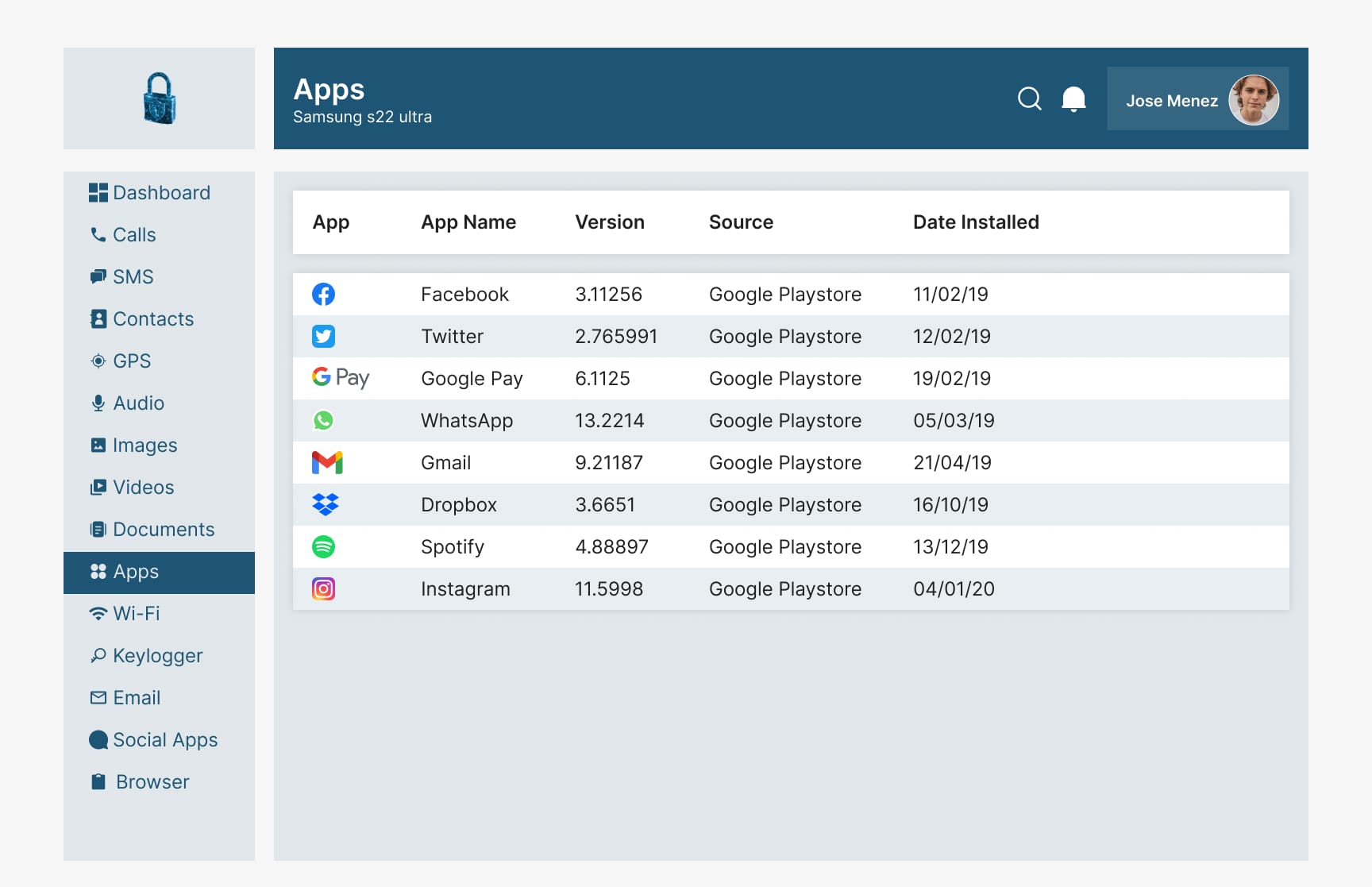
A monitoring app serves a different purpose: after it is installed and configured on a supported phone, it may collect certain ongoing activity for a parent or device manager. It is not a time machine. Buy one only if you need future visibility and have confirmed that its current feature list supports the phone and app you manage.
Need ongoing phone activity visibility?
Sphnix lets you inspect the Spy Wizards dashboard before purchase. mSpy is an established alternative with device-dependent Instagram and phone-monitoring features. Neither should be presented as guaranteed retroactive recovery for messages deleted before setup.
Affiliate disclosure: Spy Wizards may receive a commission when you buy through an affiliate link, at no additional cost to you.
Which option should you choose?
- You lost your own Instagram conversation: use the official account export and encrypted-chat restoration first.
- A message was unsent: ask the other participant; do not trust a tool that guarantees retrieval.
- Your account was hacked: secure and recover the account through Instagram before investigating missing messages.
- You need future records on a managed phone: compare Sphnix, mSpy, and other mSpy alternatives by exact device support.
- You want SMS rather than Instagram data: compare our text-message monitoring options.
How to avoid losing Instagram messages again
Turn on secure storage for encrypted chats, keep the recovery PIN somewhere private, protect the account with two-factor authentication, and periodically export important account information. Save essential agreements or addresses outside a social-media chat. If a child or employee uses a managed device, establish the monitoring and retention policy before an incident occurs.
Frequently asked questions
How do I see deleted messages on Instagram?
Request a Messages export from Accounts Center and, if secure storage was enabled, download or restore the encrypted chat archive. Unsent messages are not included in the normal data download.
Can I recover Instagram messages on iPhone?
Yes, if the conversation still exists in your account data or encrypted secure storage. Use Instagram’s export or chat-restore tools. An iCloud phone backup alone does not guarantee that an unsent Instagram message will return.
Can I recover Instagram messages on Android?
The same Instagram account export works on Android. Encrypted chat restoration may use a PIN, one-time code, or linked Google storage depending on your account configuration.
Does Instagram keep deleted messages for 30 days?
Instagram describes a Recently Deleted period for certain deleted content, but the normal data export does not include messages that were unsent. Do not assume every deleted DM can be restored for 30 days.
Can Sphnix or mSpy restore old deleted messages?
Do not buy either product on that promise. Monitoring apps may collect supported future activity after valid setup; they cannot guarantee recovery of messages deleted before installation.
Official sources
See Meta’s instructions to review and export Instagram information, its explanation of what happens to deleted content, and the separate process to download end-to-end encrypted messages. Last reviewed August 1, 2026.
Leave a Reply