
Updated August 8, 2026 | Reviewed against current mSpy product, compatibility, pricing, and setup information.
If you are reading an mSpy review because you want a straight answer before paying, here it is: mSpy has a broad monitoring feature list and workable options for both Android and iPhone, but the experience is not identical on every device. Android usually needs brief physical access for installation. iPhone monitoring can sometimes begin through an authorized iCloud account, although two-factor authentication, backup settings, and the chosen sync method can change what you see.
This mSpy app review focuses on the questions that matter at checkout: what mSpy can show, what it costs, whether it works without jailbreak or root, how detectable it may be, and which alternative makes more sense when mSpy is not the right fit.
mSpy review: the quick verdict
mSpy is a reasonable choice for a parent or device owner who wants one web dashboard for location, calls, texts, web activity, apps, and selected social platforms. It is a weaker fit if you expect every advertised feature on every phone, need several devices under one inexpensive subscription, or cannot complete the authorized setup steps.
How we reviewed mSpy
We did not treat the sales page as proof that every feature works everywhere. We compared mSpy’s current feature list, compatibility guidance, installation methods, subscription information, and legal-use notice. We then organized the findings around five buying questions:
- Does the app support the phone and operating system you need?
- Which features are available with that specific installation method?
- Will you need the device, its passcode, or its authorized cloud account?
- What will the subscription cost after any introductory offer?
- Can you use it openly and lawfully in your household?
This is an editorial review, not a claim that we secretly tested mSpy on another person’s phone. Product details and promotional prices can change, so the final compatibility check should happen before payment.
What can mSpy monitor?
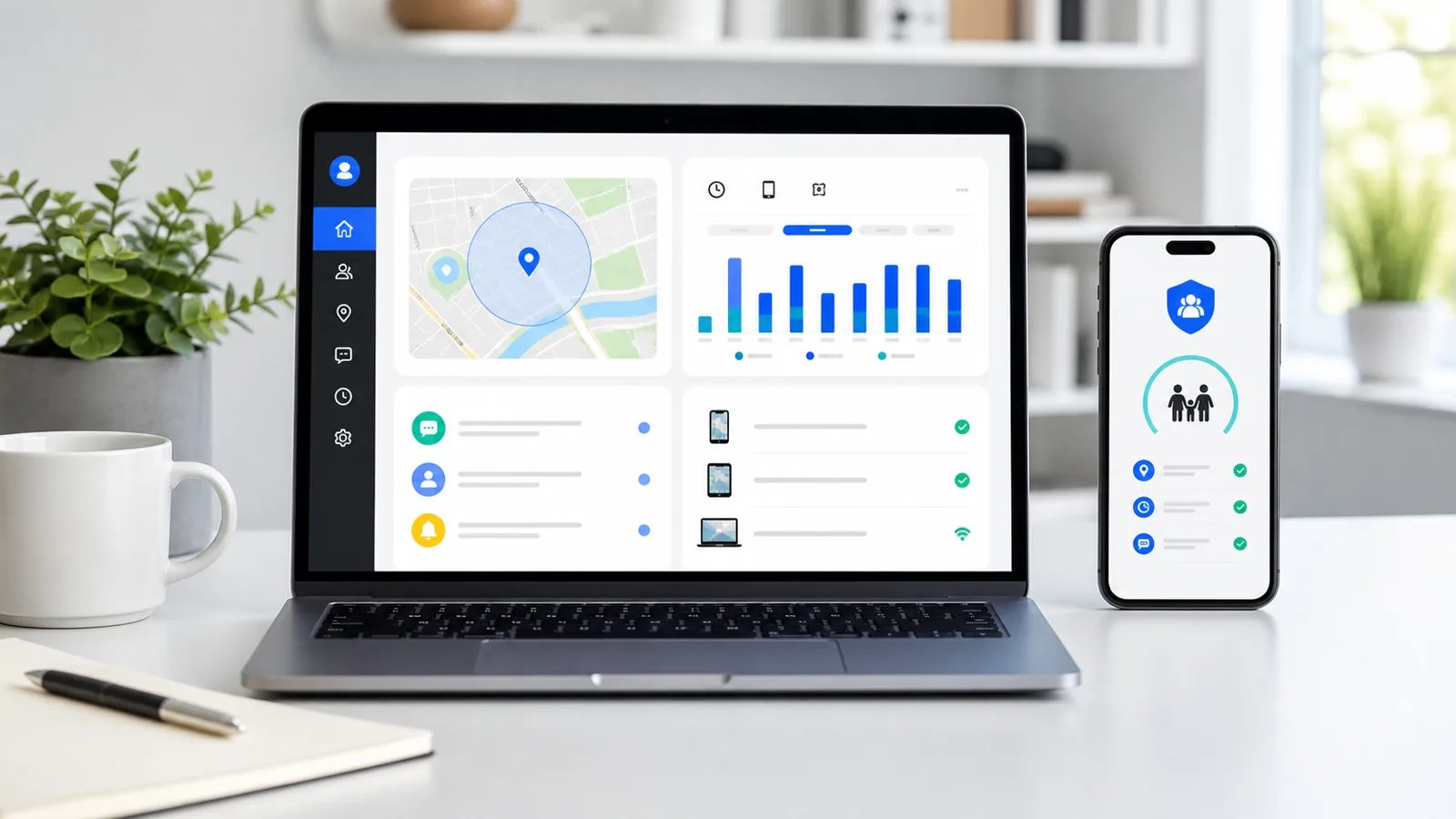
mSpy groups a large number of tools into its online control panel. Depending on the phone and setup, the available categories may include SMS and iMessage, call logs, contacts, GPS location, geofences, browsing history, bookmarks, installed apps, photos, videos, email, calendar entries, keyword alerts, screen recording, keylogging, and selected social or messaging apps.
| Feature group | What it can help a parent review | What to verify first |
|---|---|---|
| Location | Current location, routes, and geofence alerts. | GPS permissions, update frequency, and battery settings. |
| Calls and messages | Call history, contacts, SMS, and supported message data. | Operating system and installation method. |
| Web and apps | Browsing history, installed apps, app blocking, and website blocking. | Whether controls or only activity records are available. |
| Social apps | Supported data from WhatsApp, Snapchat, Instagram, Facebook, Telegram, and others. | App version, Android or iOS support, and whether advanced setup is required. |
| Media and typing | Photos, videos, screenshots, keyword alerts, and keylogger data. | Permission requirements and feature availability on the exact device. |
The long feature list is attractive, but it should not be read as a guarantee that a non-jailbroken iPhone, a current Android phone, and an older device will return the same data. mSpy itself notes that features differ by installation method. That is the most important detail in this entire review.
mSpy Snapchat, WhatsApp, and Instagram review
The keyword data shows buyers are specifically checking whether mSpy covers Snapchat, WhatsApp, and Instagram. mSpy lists these platforms among its supported social tools, particularly for Android, but app updates and setup choices can affect coverage. Before buying for one specific network, ask support to confirm that network on the exact phone model and operating-system version. Do not buy a full subscription based only on a logo in a feature grid.
mSpy iPhone review versus Android
Android
Android normally offers the broader direct-install experience. mSpy says physical access is required to install the app and grant its permissions. After that authorized setup, the account owner can review available data from a browser-based dashboard on another phone or computer. Rooting is not required for the main feature set, though exact support still depends on the device.
iPhone
For iPhone, mSpy offers more than one route. iCloud Sync uses the authorized Apple account and an active backup. Wi-Fi Sync starts with a cable connection to a Mac or PC, then updates when the devices meet the required network conditions. Older direct-install options can depend on specific iOS versions or a jailbroken phone. Each route has a different feature ceiling.
Before paying: write down the phone model, OS version, whether two-factor authentication is enabled, and the three features you actually need. Send that list to product support and keep the answer.
Can mSpy control a phone remotely without touching it?
The honest answer is not from a phone number alone. A legitimate monitoring app cannot simply take control of an arbitrary phone across the internet. It needs an authorized setup path.
- Android: expect initial physical access to install the app and approve permissions. Once configured, dashboard review can happen remotely.
- iPhone with iCloud Sync: ongoing physical access may not be needed after the authorized account connection, but Apple ID credentials, backups, and two-factor authentication can require the device owner to participate.
- iPhone with Wi-Fi Sync: initial access to the iPhone and a computer is required, and later updates depend on the sync conditions.
“Remote monitoring” therefore describes how you view data after setup. It does not mean bypassing a passcode, Apple security, Android permissions, or account consent. Offers promising full remote installation on any phone with no access, credentials, or approval should be treated cautiously.
mSpy pricing in 2026
At the time of this update, mSpy’s published Premium pricing listed a one-month option at $48.99, a three-month option at $27.99 per month, and a twelve-month option at $11.66 per month. Longer terms reduce the monthly rate but increase the amount committed upfront. Promotions, taxes, renewals, and support add-ons can change the final charge.
One Premium subscription generally covers one monitored device. A low monthly figure on an annual plan is not the same thing as a month-to-month payment, so check the total due today and the renewal terms on the final checkout screen.
Does mSpy have a free trial?
mSpy promotes a product demo, but a demo is not the same as a free trial on your own device. Trial, refund, and cancellation language can change. Read the terms shown for your selected plan before entering payment details, and save the order confirmation.
Is mSpy detectable?
No monitoring app should be described as permanently invisible. Even when an icon is hidden, a phone owner may notice permission changes, battery or data activity, security warnings, account alerts, an unfamiliar device administrator, or changes in backup behavior. Apple and Android also continue to add privacy and safety controls.
For family use, openness is usually more reliable than trying to conceal the app. Agree on what is being reviewed, why alerts are enabled, and when monitoring will end. If your main concern is whether a phone already contains unwanted monitoring software, use the Spy Wizards phone privacy checkup.
mSpy pros and cons
| Pros | Limitations |
|---|---|
| Broad set of location, communication, web, app, and media categories. | Available features vary by phone, OS, and setup method. |
| Web dashboard can be opened from another connected device after setup. | Android normally requires initial physical access and permissions. |
| Non-jailbreak iPhone options are available. | iCloud and Wi-Fi Sync do not provide identical coverage. |
| Monthly and longer-term subscription choices. | One-device coverage can become expensive for larger families. |
| Compatibility help and installation guidance are available. | Renewal, refund, and add-on terms deserve a careful read. |
Best mSpy alternatives to compare
mSpy is not the only option, and the right alternative depends on whether you value a simpler family dashboard, deeper Android records, iPhone support, location tools, or a lower commitment. We recommend comparing the setup requirements before comparing the marketing headlines.
Sphnix: the Spy Wizards alternative
Sphnix is our family-focused dashboard option for buyers who want to see the product experience before choosing a plan.
Use the demo to inspect calls, messages, social activity, location, media, reports, and device status. Confirm the supported phone and onboarding method before purchase; the demo is a product preview, not proof that every data category is available on every device.
Eyezy
A commercial parental-monitoring alternative worth checking when dashboard simplicity and alert-style tools matter. Verify the exact iPhone or Android feature set before subscribing.
Spynger
A monitoring alternative often considered by buyers who prioritize communication and social-app activity. Confirm installation access, compatibility, and renewal terms first.
Parentaler
A parent-oriented alternative for households that want activity visibility and family-safety tools. Check device limits and operating-system support before paying.
| Option | Consider it when | Check before buying |
|---|---|---|
| mSpy | You want a mature one-device dashboard with broad advertised coverage. | Exact features for your setup and total renewal cost. |
| Sphnix | You want to inspect the Spy Wizards dashboard experience first. | Supported devices, onboarding, and production availability. |
| Eyezy | You prefer an alternative commercial dashboard and alert tools. | iPhone versus Android feature differences. |
| Spynger | Communication and social categories are the main buying reason. | Access requirements and support for each named app. |
| Parentaler | You want a product presented around parental oversight. | Compatibility and the features included in your plan. |
Who should buy mSpy?
mSpy makes the most sense for a parent or device owner who has one compatible phone, can complete the proper setup, and wants several monitoring categories in one dashboard. The annual plan can offer better monthly value if you already know the software fits.
Choose another product, or begin with built-in Apple and Google family tools, when you need transparent screen-time limits more than message records, manage several phones, cannot meet the setup requirements, or are unsure whether monitoring is permitted.
Five buying questions to answer before checkout
- Will mSpy work on my exact iPhone or Android version? Compatibility should be confirmed at model and OS level.
- Can it show the one app I care about? Ask about Snapchat, WhatsApp, Instagram, or any named service specifically.
- Do I need physical access? Android normally does; iPhone requirements depend on iCloud, two-factor authentication, backups, or Wi-Fi Sync.
- What is due today and at renewal? Compare the total charge, not only the advertised monthly equivalent.
- Is the setup appropriate for my household? Use monitoring only where you own the device or have clear legal authority and permission.
Frequently asked questions
Is mSpy legitimate?
mSpy is a commercial monitoring product for Android and iPhone. Whether its use is legitimate depends on the device, your authority to supervise it, consent requirements, and local law. Buying software does not create permission to monitor someone else’s account or phone.
Can mSpy be installed without touching the phone?
Android setup normally requires initial physical access. Some authorized iPhone setups can use iCloud credentials, but two-factor authentication, backups, and feature limits may still require help from the device owner. There is no credible phone-number-only setup for full monitoring.
Does mSpy work on iPhone without jailbreak?
Yes, mSpy advertises iCloud Sync and Wi-Fi Sync for non-jailbroken iPhones. The available data differs by method, so check the feature list for your iOS version before paying.
Is there an mSpy free trial?
mSpy offers a product demo. A demo does not necessarily provide a free live-device trial, so verify the current checkout and refund terms.
What is the best mSpy alternative?
There is no universal winner. Sphnix is the Spy Wizards dashboard alternative; Eyezy, Spynger, and Parentaler are commercial options. Compare compatibility, setup access, device limits, and renewal cost for your situation.
Related guides
Sources and update notes
This review was checked against mSpy’s current feature list, compatibility and setup FAQ, and published pricing guide. For device-level privacy controls, see Google’s Android privacy guidance and Apple’s Personal Safety User Guide. Product details and prices can change after publication.
Final verdict
mSpy earns its place on a monitoring-app shortlist because it covers Android and iPhone, offers several setup routes, and brings many activity categories into one account. The trade-off is complexity: the phone, OS version, installation method, and plan determine the real product you receive.
Start with compatibility, not the discount timer. If mSpy confirms your required features, its longer plan may make financial sense. If you want to compare the dashboard experience first, open the Sphnix demo, then compare Eyezy, Spynger, and Parentaler using the same device-and-feature checklist.
Leave a Reply