
Disclosure: SpyWizards may earn a commission from purchases made through links on this page. Monitoring software should only be installed on a device you own or manage with the user’s clear permission.
That sudden silence can send you down a rabbit hole. Their replies stop, an old message no longer shows a familiar status, and now you are studying every part of the Messages app for an answer.
Here is the frustrating truth: there is no reliable way to confirm that someone blocked you on iMessage without texting or calling them. Apple does not send a notification to the blocked person, and the clues visible on your iPhone can also be caused by ordinary things such as poor reception, a switched-off phone, Focus mode, or iMessage being disabled.
You can still look at the available clues. Just do not treat any single one as proof.
Table of Contents
ToggleQuick answer
If you do not want to send a message, check your existing conversation for recent changes, confirm that iMessage works with other contacts, and consider whether the person may have changed phones or disabled iMessage. A green message field, a missing profile photo, or an unanswered call does not confirm a block.
The only respectful way to know for certain is for the other person to tell you. If they have chosen not to communicate, repeated tests from other numbers or accounts can cross a boundary.
Signs that may look like an iMessage block
1. Your old messages no longer get a reply
Silence is usually what starts the suspicion, but it tells you very little on its own. The person may be busy, offline, using a different number, or simply choosing not to respond.
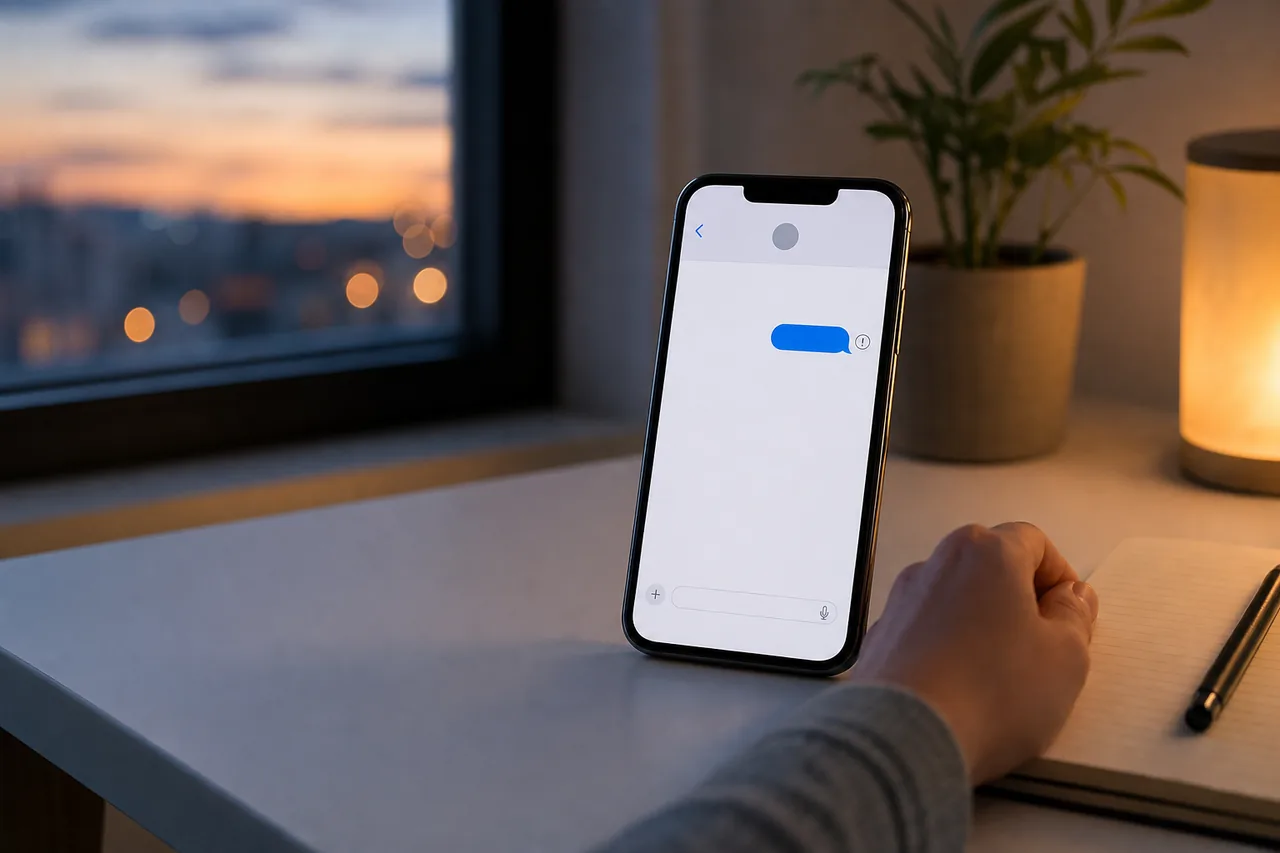
Look at the last message that was already sent. If it says “Delivered” or “Read,” it reached the recipient’s Apple messaging account at that time. If there is no label, that still does not prove a block. Delivery labels can change with network conditions and software behavior.
2. The message field or bubbles are green
Green means the conversation is using SMS, MMS, or RCS instead of iMessage. It does not mean “blocked.”
This can happen when:
- either phone has no usable data connection;
- iMessage is temporarily unavailable;
- the recipient turned off iMessage;
- the recipient moved their number to an Android phone; or
- your iPhone is set to send an SMS when iMessage fails.
If all your conversations have turned green, check your own connection and iMessage settings first.
3. Their contact photo or shared details changed
A missing photo is weak evidence. People remove photos, stop sharing them, change Apple Account settings, or disable contact-photo sharing. Sync problems can also leave different images on an iPhone, iPad, and Mac.
Do not use a profile-photo change as a block test.
4. FaceTime or phone calls behave differently
A call that goes to voicemail may mean the phone is off, has no signal, is in Focus mode, or was declined. One attempt cannot separate those possibilities from blocking.
Calling repeatedly, hiding caller ID, or trying another number is not a good test. It may also ignore a boundary the other person intended to set.
5. You cannot see read receipts anymore
Read receipts are optional. A person can turn them off for everyone or for one conversation. Their disappearance does not reveal whether your number is blocked.
“Delivered” and “Read” are useful delivery clues, not a secret block-status feature.
What you can check without contacting them
These checks will not confirm a block, but they can rule out problems on your side:
- Send an iMessage to a trusted contact. If that message also fails, troubleshoot your own connection or iMessage settings.
- Open Settings > Apps > Messages and confirm that iMessage is enabled.
- Check Apple’s System Status page for a current iMessage outage.
- Restart your iPhone and install any pending iOS update.
- Think about recent changes. Did the person get a new phone, change their number, travel, or leave a shared Apple service?
After that, there is little more to learn without contacting the person. Waiting or using a normal, mutually accepted way to reach them is more reliable than trying to decode ambiguous app behavior.
Can an app tell you who blocked you on iMessage?
No legitimate app can remotely inspect another person’s private iPhone and reveal whether they blocked your number. Apple does not provide third-party apps with a public “who blocked me” lookup.
Be cautious with any app or website that promises an instant block report. If it asks for your Apple Account password, a verification code, or payment before showing supposed results, stop. Those requests can expose your account without giving you a real answer.
Where Sphnix fits, and where it does not
Sphnix is presented as an authorized parent and guardian device-monitoring tool. On a family device you own or manage with clear permission, a monitoring dashboard may help you understand device activity and identify ordinary technical issues. That context can be useful when a child’s managed phone is not sending messages as expected.
Sphnix is not a way to break into someone else’s iPhone, read a partner’s private messages, or reveal whether an unrelated person blocked you. It should never be installed secretly or used to bypass another person’s privacy.
What to do if you think you were blocked
Give the person space. If there is a practical reason to reach them, use one normal channel once and keep the message brief. Do not create new accounts, borrow numbers, or install monitoring software to get around a block.
If the concern involves an immediate safety issue, contact local emergency services or someone who can check on the person in real life. A phone-status clue is not a dependable safety check.
Frequently asked questions
Can you tell if someone blocked you on iMessage without sending a text?
Not with certainty. Apple does not notify you, and the visible clues have several other explanations. You can troubleshoot your own iMessage service, but only the other person can confirm their block settings.
Does a green text mean I am blocked on iMessage?
No. Green indicates that the message uses SMS, MMS, or RCS rather than iMessage. Network trouble, an Android phone, or disabled iMessage can all cause green bubbles.
If an iMessage does not say “Delivered,” am I blocked?
Possibly, but it is not proof. The recipient’s phone may be offline, their internet connection may be unavailable, or iMessage may be experiencing a problem.
Can I check whether I am blocked without calling?
You can review existing delivery information and make sure iMessage works on your phone, but you cannot confirm another person’s block list without their cooperation.
Can Sphnix show whether someone blocked my number?
Sphnix should not be described as a remote block detector. It is intended for authorized monitoring of a device you own or have clear permission to manage. It cannot legitimately inspect an unrelated person’s private block settings.
The bottom line
There is no hidden iPhone screen or trustworthy app that confirms an iMessage block without contact. Green bubbles, missing receipts, and voicemail can be clues, but they are also normal signs of network and settings changes.
Check your own phone, avoid invasive workarounds, and respect the other person’s choice not to respond. That answer may feel less satisfying than a clever trick, but it is the accurate one.
Leave a Reply