
Updated September 4, 2026
A phone number identifies where calls and messages should be routed. It does not act as a GPS password. Websites that show a fake scanning screen after you enter a number are usually selling a lookup, sending a consent link, or leading visitors toward a payment screen without explaining what the service can actually access.
The useful question is not whether the number itself reveals a live pin. It is which location-sharing method fits your situation: finding your own missing iPhone, coordinating with family, supervising a child’s device, or asking someone to share a location voluntarily.
What Each iPhone Tracking Method Can Do
| Method | What it shows | What it requires |
|---|---|---|
| Apple Find My | Current or last available location of your devices and approved shared locations. | Find My enabled, account access, or prior location sharing. |
| Family Sharing | Locations shared by participating family members and family devices. | Family setup and location sharing. |
| Location request by text | A location after the recipient opens the request and agrees. | A reachable number, internet access, and recipient consent. |
| Reverse phone lookup | Possible name, carrier, region, or public-record details. | A legitimate lookup source; it does not provide live GPS. |
| Parental or managed-device app | Only the location data supported by the product and granted permissions. | Ownership or authorization, compatibility, and completed setup. |
Use Find My for an iPhone You Own
Find My is the first choice for a missing personal device. Sign in through another trusted Apple device or use Find Devices on iCloud.com. Depending on the configuration, you may see the current location, a last known location, or no location when the phone is offline and the Find My network cannot report it.
If you believe the phone was stolen, avoid confronting anyone at a map pin. Mark it as lost, protect the associated accounts, contact the carrier, and give location evidence to local authorities where appropriate.
Share Location With Family Members
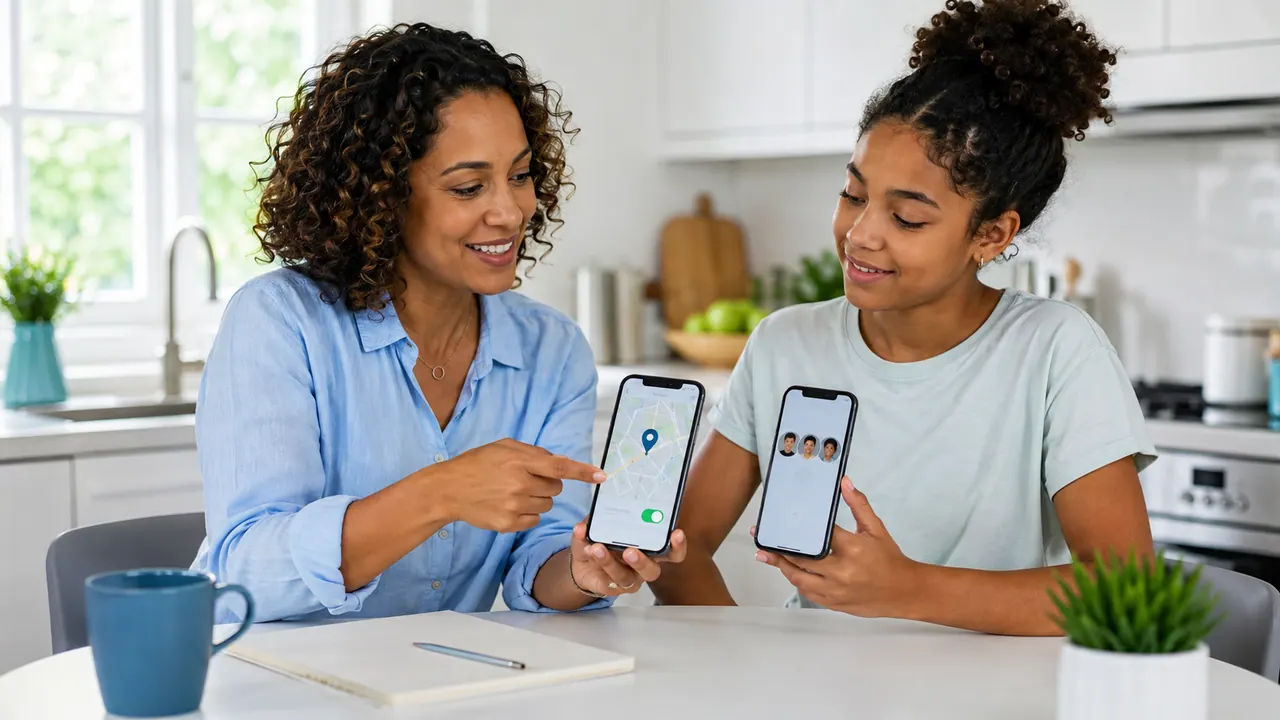
Apple Family Sharing lets members choose whether to share their locations. The organizer can configure family settings, but family members still receive information about sharing. Apple explains that shared family locations appear in Find My and can help locate missing family devices. Review the current process in Apple’s Family Sharing location guide.
Send a Location Request by Phone Number
A location-request service can use a phone number to send a text containing a sharing link. The number is the delivery address, not the tracking mechanism. The recipient must open the link and allow location access. Results also depend on GPS, browser permissions, network connectivity, and whether the recipient chooses an approximate or precise location.
This is useful when meeting someone, confirming a safe arrival, or helping a relative who knows they are sharing. It should never be advertised as invisible phone-number tracking.
Can a Carrier Track an iPhone?
Mobile networks generate technical location information while providing service, but consumer support agents do not normally hand a caller another subscriber’s live location. Emergency disclosure and lawful requests follow carrier procedures and applicable law. For an immediate danger or missing-person emergency, contact local emergency services and the carrier rather than purchasing an online tracker.
Why an iPhone Location May Be Missing or Delayed
Even a correctly configured location service is not a perfect live feed. The iPhone may be powered off, have no network connection, be inside a building with weak GPS reception, or be using a location permission that allows only approximate results. Low Power Mode and background restrictions can also affect how frequently some third-party apps update.
Check the timestamp before acting on any pin. A location from twenty minutes ago describes where the device was, not necessarily where it is now. Compare the map with battery status, connection state, and the last successful check-in. When safety is involved, call the person and use established emergency channels rather than relying on one delayed map result.
Set Up Family Location Sharing Properly
- Confirm that every family member uses the intended Apple Account and device.
- Turn on Location Services and review whether precise location is appropriate.
- Enable sharing for the selected family members instead of assuming it is automatic.
- Test the setup while both phones are present and connected.
- Explain what notifications and location history the family will use.
Repeat the test after replacing a phone, changing an Apple Account, or restoring from a backup. These transitions are common reasons a previously working family location stops appearing.
How to Spot a Fake Phone-Number Tracker
- It promises messages, photos, and precise GPS from only a phone number.
- It displays a progress animation before checking device ownership or consent.
- It hides setup requirements until after payment.
- It asks for an Apple Account password or verification code through chat.
- It guarantees tracking even when the phone is off.
Using Sphnix for an Authorized Device
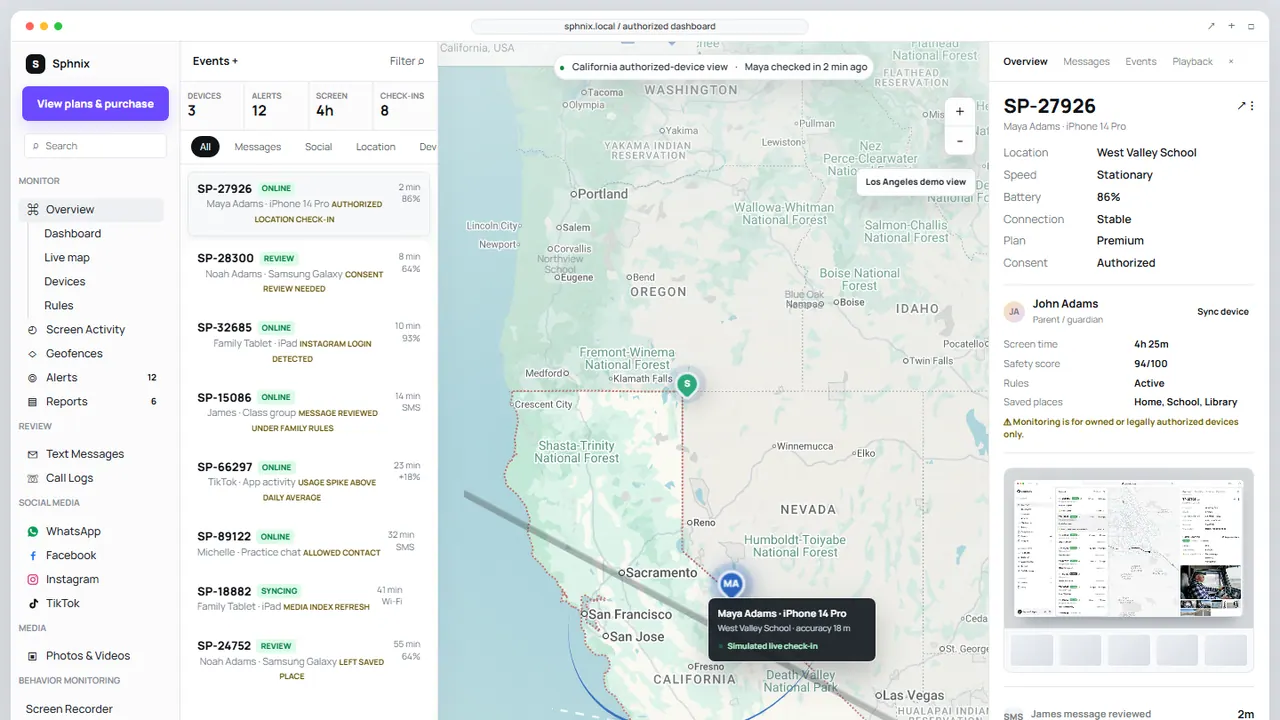
Sphnix provides a dashboard for devices you own or are authorized to manage. Its location view can organize device check-ins, a map pin, accuracy, battery status, route context, and reports after the required setup is complete. The phone number may help identify a device during onboarding, but it does not unlock or silently locate an iPhone.
Compare that workflow with our broader guide to tracking someone by phone number and our explanation of what iPhone monitoring actually requires.
See the Location Dashboard Before Buying
Open the live demo to inspect the map, check-in history, device details, and report workflow. Confirm iPhone compatibility and setup requirements before choosing a plan.
Frequently Asked Questions
Can you track someone by their phone number on iPhone for free?
A number alone does not reveal live GPS. Apple Find My and voluntary location sharing can be free, but they require ownership, account access, or participation.
Can someone track my iPhone if location services are off?
Available location becomes more limited. Some Apple network and last-location features depend on prior configuration, device state, and account access.
Does a reverse phone lookup show live location?
No. It may show public identity, carrier, or broad registration information, but not a live GPS pin.
Does Sphnix track an iPhone from only its number?
No. Sphnix requires a compatible, authorized setup. The number does not unlock the device or grant location permission.
Leave a Reply