
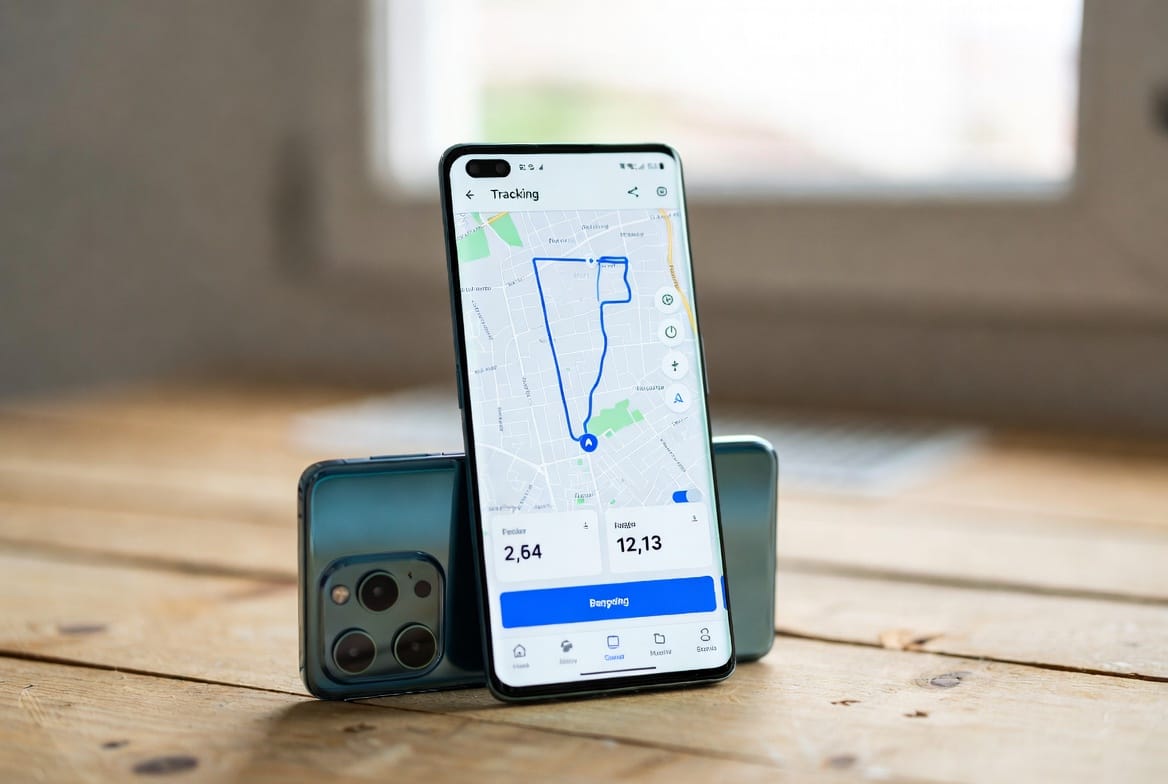
Quick answer: a phone number alone does not reveal a private, live GPS feed. A legitimate number-based locator sends a request link that the phone owner must open and approve. Continuous family monitoring requires an app, account access, or a location-sharing feature configured on a device you own or manage.
This distinction matters before you pay. Some products are one-time location-request services; others are parental-control platforms with location history, alerts, screen-time tools, and activity reports. The right choice depends on whether you need a single consented check-in or ongoing oversight of a child’s authorized device.
Phone tracker options compared
| Option | What it can do | What is required | Best fit |
|---|---|---|---|
| Number-based request | Sends a location-sharing link by SMS | The recipient opens and approves it | One-time check-in |
| Apple Find My or Google tools | Shows an owned or shared device | Account ownership or prior sharing | Lost phones and family sharing |
| Parental monitoring app | May provide location history and safety alerts | Installation, permissions, and authorization | Ongoing child-device supervision |
If you’re searching for a phone tracker by number without them knowing, you’ve likely encountered a maze of bold promises and shady websites. reliable phone tracking methods With a decade of experience in digital security and ethics, I’m here to provide clarity. The core truth is this: truly tracking a modern smartphone in real-time using only a phone number is a technical myth, and attempting to do so secretly is often illegal. However, powerful monitoring software does exist, designed for specific, lawful purposes.
Updated February 2026
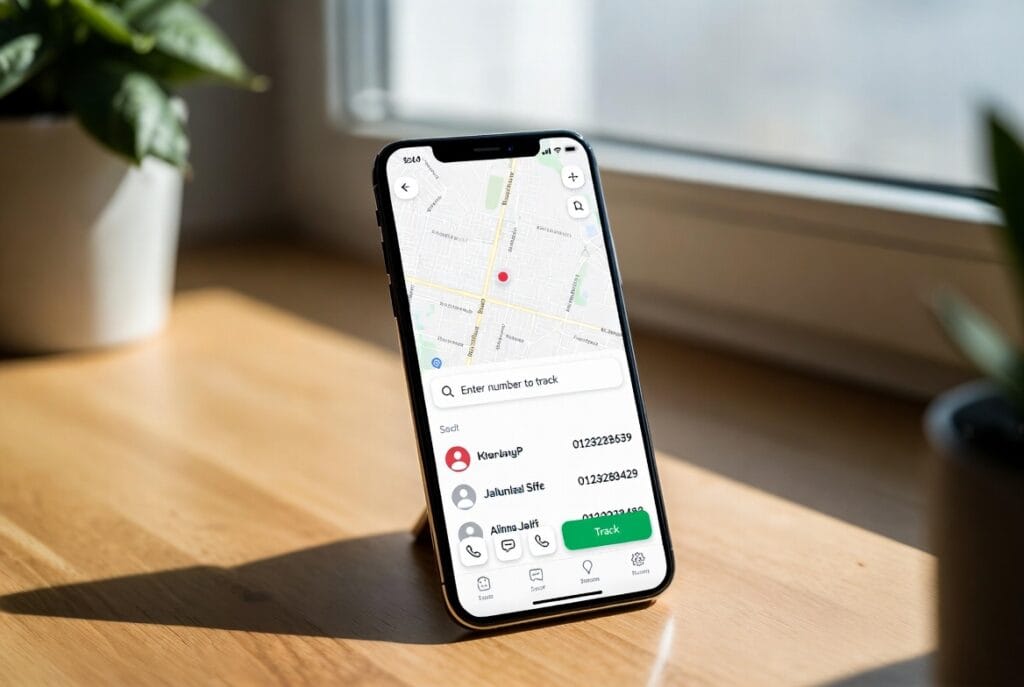
This guide will demystify the technology, separate marketing hype from reality, and provide a clear-eyed reliable phone tracking methods review of the tools available, all while emphasizing the critical legal and ethical lines you must not cross.
Table of Contents reliable phone tracking methods
The Technical Reality: Why “By Number Only” is a Myth
The idea of entering a phone number into a website to get a live location feed is compelling but fundamentally flawed. A mobile number is an identifier for a SIM card on a cellular network. While carriers can approximate a general area through cell tower triangulation, this data is private and not accessible to the public or commercial apps.
Real-time, precise location tracking relies on the device’s GPS, Wi-Fi, and data connections. Accessing this data stream requires either:
- Explicit Consent: Using built-in features like Apple’s Find My or Google Location Sharing.
- Software Installed on the Device: This is how professional monitoring applications work.
Therefore, the phrase “phone tracker by number without them knowing” is misleading. Effective monitoring requires a connection to the device itself, not just its number. Any service claiming otherwise is likely a scam designed to steal your money or personal information.
The Legal and Ethical Imperative: A Non-Negotiable First Step
Before considering any tool, understanding the legal landscape is crucial. In most jurisdictions, installing tracking software on a device you do not own or without the explicit consent of the owner is illegal. It can violate:
- Computer Fraud and Abuse Acts: For unauthorized access to a device.
- Stalking and Harassment Laws: For persistent, unwanted surveillance.
- Electronic Communications Privacy Acts: Which prohibit intercepting communications.
The legitimate use cases for the technology we will discuss are narrow and specific: parental control of minor children or managing company-owned devices with explicit employee consent and policy . Using these tools to secretly monitor a partner, friend, or employee without their knowledge is not only a profound breach of trust but can result in severe criminal and civil penalties. Ethical practice in technology demands transparency, respect for autonomy, and a clear consideration of the human impact .
How Professional Monitoring Apps Actually Work
Legitimate monitoring requires a connection to the target device, established by installing a specialized application. These apps run discreetly in the background, collecting data (location, messages, app usage) and sending it to a secure, private online dashboard for the installer to view.
It’s vital to understand that leading apps in this space are explicitly designed and marketed as parental control solutions. Their stated purpose is to help parents safeguard their children’s digital and physical safety . This intended use is the critical context for evaluating their features.
In-Depth Tool Analysis: mSpy, Parentaler, and Sphnix
1. mSpy: The Comprehensive Monitoring Powerhouse
mSpy is one of the most established names in parental control software, known for its extensive and powerful feature set that provides deep visibility into a device’s activity.
Key Features:
- GPS Location Tracking & Geofencing: View real-time location, historical routes, and set up virtual boundaries (geofences) for automatic arrival/departure alerts.
- Extensive Social Media & Call Monitoring: Tracks chats, images, and calls across a vast array of platforms including WhatsApp, Snapchat, Facebook Messenger, Instagram, and SMS.
- Advanced Surveillance Tools: Includes a keylogger to capture keystrokes, a screen recorder, ambient recording, and remote camera access.
- Stealth Operation: The app is designed to run invisibly on the target device.
Important Context: Independent reports and data breaches have revealed that mSpy’s software is frequently misused for domestic surveillance, leading media outlets to characterize it as “stalkerware” when used illicitly. It has also been the victim of significant security breaches that exposed customer data.
For comprehensive parental monitoring, explore mSpy’s features.
2. Parentaler: The Family Safety and Control App
Parentaler is presented as a user-friendly parental control app focused on child safety, location sharing, and digital well-being management.

Key Features:
- Family Locator & GPS Tracking: Designed for consensual location sharing within a family on a private map.
- Content and Screen Time Management: Includes tools to filter inappropriate websites, block apps, and set healthy screen time limits.
- Communication Monitoring: Allows parents to review SMS text messages and call logs.
- Quiet Monitoring: Operates in a background “stealth mode” intended to give parents oversight without constant negotiation.
Best For: Parents seeking a straightforward tool for location sharing, content filtering, and managing their child’s screen time, with less emphasis on deep social media surveillance.
For family location sharing and parental controls, investigate Parentaler.
3. Sphnix & “Hire-a-Hacker” Services: The Professional Marketplace
Platforms like “Hire-a-Hacker Service” represent the world of professional, enterprise cybersecurity. They connect businesses with vetted ethical hackers for security testing, penetration testing, and digital forensics on the company’s own systems.
Critical Clarification: Reputable ethical hacking firms do not accept private contracts to infiltrate personal phones. They work under strict legal contracts to test security defenses with full authorization. Any service offering to “hack” a personal phone for you is almost certainly a scam and engaging with them poses serious risks of fraud or legal entanglement.

For professional, legal cybersecurity services for a business, consult the marketplace.
Feature Comparison: mSpy vs. Parentaler
| Feature | mSpy | Parentaler |
|---|---|---|
| Primary Design Purpose | Comprehensive parental monitoring & surveillance | Family safety, location sharing & digital well-being |
| GPS & Location Tracking | Real-time GPS, detailed history, geofencing | Real-time location sharing, geofencing |
| Social Media Monitoring | Extensive (WhatsApp, Snapchat, Instagram, etc.) | More limited focus |
| Key Additional Features | Keylogger, screen recorder, ambient recording | App/website blocker, screen time scheduler |
| Stealth Operation | Yes (full stealth mode) | Yes (quiet background mode) |
| Reported Misuse Risk | High (frequently classified as stalkerware) | Moderate (requires installation) |
| Ideal Legal Use Case | In-depth monitoring of a child’s device with parental responsibility. | Managing a child’s screen time and location with parental responsibility. |
The Right Path: Choosing Transparency Over Secrecy
The desire for certainty is human, but secret surveillance is a destructive and illegal way to address relationship doubts. If you feel compelled to track someone without their knowledge, it signals a deeper issue that technology cannot fix.
- Choose Open Communication: Address concerns directly and honestly.
- Use Consensual Tools: For mutual safety or convenience, use transparent features like Apple Find My or Google Location Sharing, which require active consent from all parties.
- Seek Professional Help: If trust is broken, couples counseling is a far healthier and more constructive path than spyware.
Conclusion: Abandon the Myth, Embrace Responsibility
The quest for a magic phone tracker by number without them knowing leads to dead ends: scams, legal trouble, and shattered trust. The powerful software that does exist—like mSpy and Parentaler—has a specific, lawful purpose: protecting children under parental supervision. Misusing this technology to spy on another adult is unethical, harmful, and illegal.
Prioritize ethical choices and human connection. Use technology to protect and connect with consent, not to deceive and control.
For professional, legal cybersecurity services pertaining to business assets, you can explore enterprise solutions.
hire a hacker
Frequently Asked Questions (FAQs)
1. Are there any free apps that can track a phone by number secretly?
No. Any website or app claiming to offer free, secret tracking using just a phone number is a scam. These sites are designed to steal your payment information, infect your device with malware, or collect your personal data for fraud. Accurate tracking requires device installation.
2. Can the person find out I installed tracking software on their phone?
High-quality apps are designed to be stealthy, but they are not undetectable. A tech-savvy user might notice unusual battery drain, increased data usage, or the device running warmer. On Android devices, the app may sometimes be found in the device’s application manager. No stealth is perfect.
3. What should I do if I suspect someone is secretly tracking my phone?
Look for signs like fast battery drain, high data usage, or unfamiliar apps in your settings. Perform a factory reset (backing up important data first), which will remove most tracking software. On iOS, check for unfamiliar profiles in Settings > General > VPN & Device Management. Consider using reputable anti-malware tools and, if you fear for your safety, contact local authorities.
Related Spy Wizards Guides
- Legal phone tracking and security options
- How to remove a hacker from your phone
- iPhone security risks and safer options
- Contact Spy Wizards
Legal next step: For phone-security concerns involving a device you own or are authorized to manage, read how to hire a hacker for cell phone security legally with proof of ownership and clear scope.
Choose a legitimate monitoring setup
For ongoing monitoring on a device you are authorized to manage, compare the setup requirements before buying. Sphnix provides a dashboard-style option, while established partner tools offer different device and parental-control workflows.
Choose a Sphnix plan View the live Sphnix demo
Partner links may earn Spy Wizards a commission at no added cost to you.
Frequently asked questions
Can a phone tracker locate a number secretly?
Not through a normal public lookup. Precise location needs device permission, account access, a carrier process, or an approved request from the phone user.
Do monitoring apps need installation?
Most Android monitoring products require physical setup and permissions. iPhone features vary and may rely on Family Sharing, an account, or device configuration.
Which option is best for a lost phone?
Use Apple Find My or Google’s device-finding service first because they are tied to the owner’s account.
Leave a Reply