
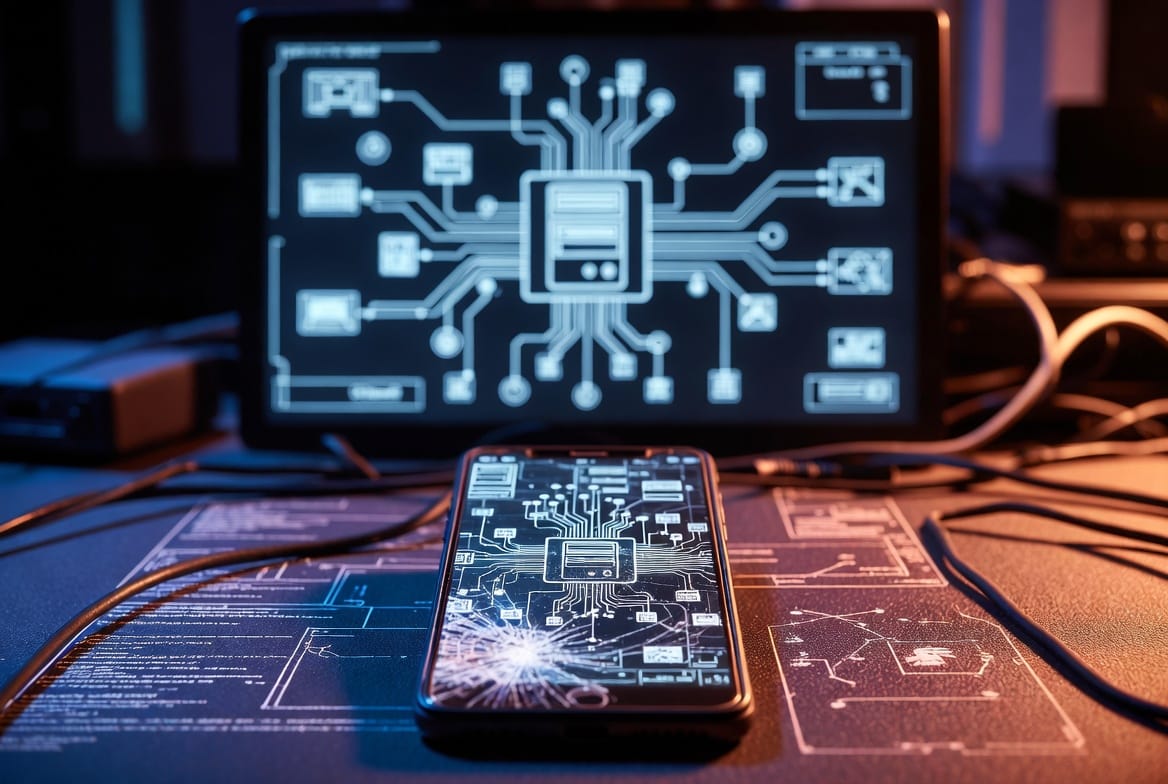
For over a decade in cybersecurity, I’ve been the person friends and clients call when they feel that chill of digital vulnerability. The question “can someone hack my phone with my number?” is one of the most common fears I hear. It’s a reasonable worry, fueled by sensational headlines and a constant stream of data breach notifications. As an expert, I can tell you that the relationship between your phone number and your device’s security is widely misunderstood. The direct, Hollywood-style hack—where a villain types your digits and gains instant access—is a myth. However, your phone number is a critical piece of your digital identity and can be leveraged in sophisticated, indirect attacks that feel just as invasive. This guide will separate Hollywood fiction from criminal reality, explain the actual threats you face, and give you a clear, actionable blueprint to lock down your digital life.
Updated February 2026
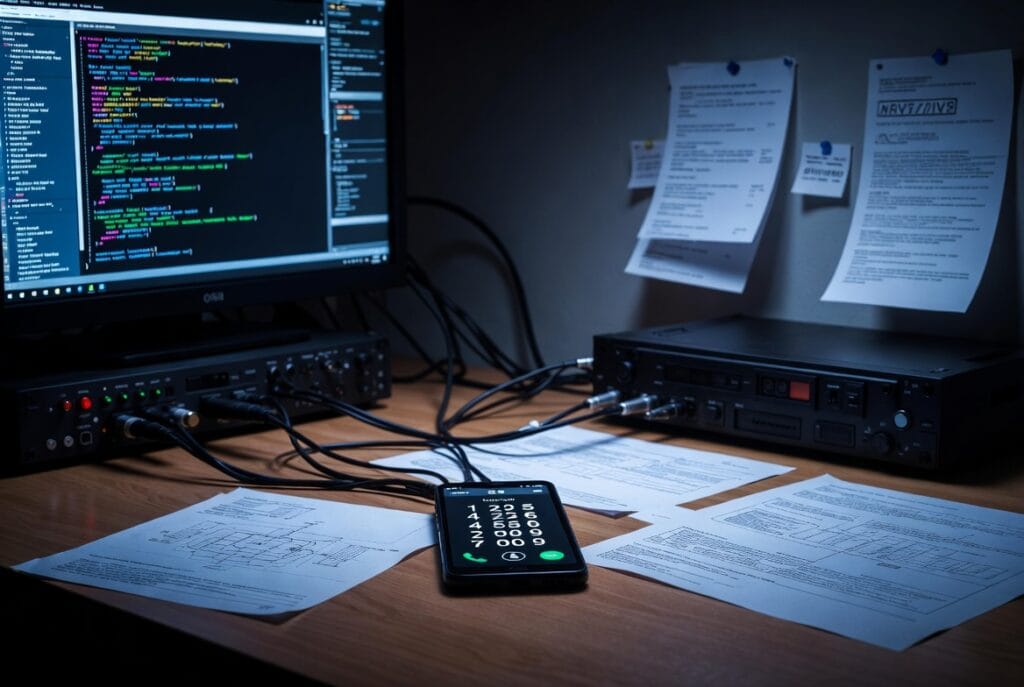
A Note on Monitoring Tools: The tools discussed later (Sphnix, Scannero, Moniterro) are powerful monitoring solutions. They are referenced in this article to illustrate the capabilities of professional-grade software, which require physical access or explicit credentials for installation. Their mention is for educational contrast against the myths of “number-only” hacking.
What Your Phone Number Really Represents in the Digital World
Your phone number is not a backdoor to your device. Technically, it’s a public identifier assigned by your carrier to route calls and SMS across their network. Think of it as your address in the phone company’s directory—it’s necessary for communication but not sufficient for entry.
However, in our interconnected digital ecosystem, your phone number has become a primary identifier for account recovery and *two-factor authentication (2FA)*. This is where its power and vulnerability lie. It’s linked to your bank accounts, email, social media, and more. A malicious actor doesn’t want your number to hack your phone’s operating system; they want it to take over your digital accounts by intercepting verification codes or resetting passwords.
The Real Threat: How Your Number is Used in Indirect Attacks
So, if someone can’t directly install spyware with just your number, what can they do? The real dangers are more nuanced and often involve social engineering.
- SIM Swapping (Port-Out Fraud): This is the most severe threat linked to your phone number. A hacker, using personal details about you (often gleaned from data breaches or social media), contacts your carrier posing as you. They convince the support agent to transfer your number to a SIM card they control. Once they succeed, all calls and texts—including one-time passcodes for your bank, email, and crypto accounts—go to their device. Your phone will suddenly show “No Service,” and by the time you realize it, they may have emptied your accounts.
- Phishing and Smishing: Your number can be used to target you with highly personalized phishing (email) or smishing (SMS) attacks. Knowing your number helps them craft convincing messages that appear to be from your bank, a delivery service, or even a contact. The goal is to trick you into clicking a malicious link that steals your login credentials or installs malware.
- Reconnaissance and Doxxing: Your phone number can be the starting point for building a profile on you. By searching it across data broker sites and social platforms, a determined individual can find your name, address, relatives, and more. This information can then be used for further social engineering attacks or harassment.
Debunking the Myth: Direct Remote Installation is Fiction
Let’s be unequivocal: There is no publicly available technology that allows a person to remotely install advanced spyware (like the tools professionals use) on your phone using only your number. The complex monitoring suites that exist require one of two things:
- Physical access to your device for several minutes to manually install the software.
- Your Apple iCloud or Google account credentials (username and password) to potentially access backup data, which is a different type of access than “hacking the phone.”
Any website or service claiming to offer a “phone hacker with just a number” is a scam. They will take your money, steal your personal information during “verification,” or infect your own computer with malware.
How Professional-Grade Monitoring Actually Works (For Context)
To understand why your number isn’t enough, it helps to know what real monitoring tools require. These are used legally by parents, employers, and individuals with explicit consent.
They require installation or credentialed access.
- Sphnix Tracking App: A powerful suite that requires physical installation on the target device. Once installed, it can log messages, calls, location, and even ambient sound.
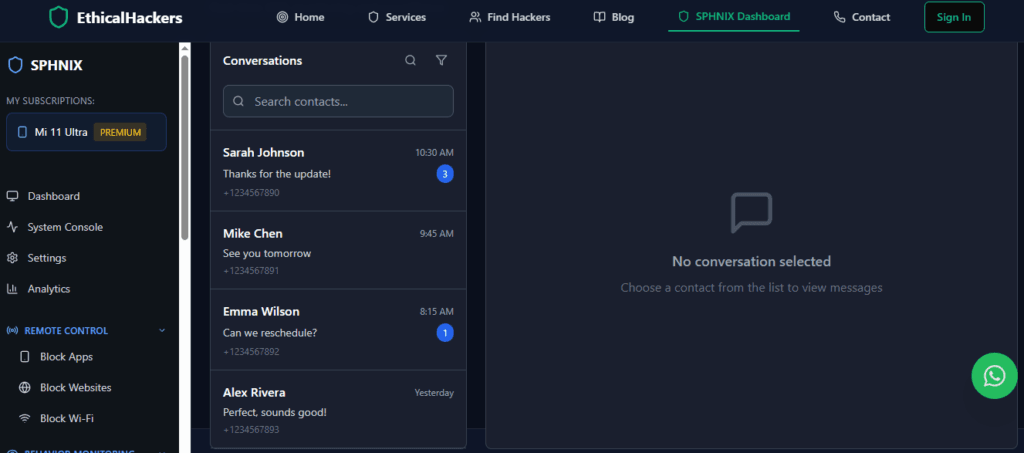
- Scannero: Often focuses on data extraction and location services, which may require credentials or a specific installation process.
- Moniterro: An all-in-one monitoring dashboard that typically requires either device installation or cloud credentials to sync data.
These tools are effective, but they illustrate the gap between reality and the “number-only” myth. They need an initial access point that your phone number does not provide.
Your 7-Point Defense Plan: How to Protect Yourself
Now that you know the real risks, here is your expert-recommended action plan:
- Contact Your Carrier & Set a SIM Swap PIN: This is the single most important step. Call your mobile provider and ask to set a “SIM Swap PIN,” “Port-Freeze,” or “Number Transfer PIN.” This is a separate passcode that must be provided before any changes to your account, making unauthorized porting nearly impossible.
- Ditch SMS for 2FA: Wherever possible, stop using text messages for two-factor authentication. Switch to using an authenticator app like Google Authenticator, Authy, or Microsoft Authenticator. These generate codes on your device, so they can’t be intercepted via SIM swap.
- Use a Strong, Unique Password for Your Carrier Account: The password for your Verizon, AT&T, or T-Mobile online account should be strong and not used anywhere else.
- Be Hyper-Vigilant About Phishing: Never click links in unsolicited texts or emails, even if they seem to come from a known contact or service. Go directly to the official website or app instead.
- Limit Where You Share Your Number: Don’t post your phone number publicly on social media, forums, or classified ads. Consider using a Google Voice number for online forms and sign-ups.
- Regularly Audit Your Online Accounts: Use services like HaveIBeenPwned to check if your email or phone number has appeared in data breaches. Change passwords for any compromised accounts immediately.
- Keep Your Device Updated: Always install the latest iOS or Android security updates. These patches fix vulnerabilities that could be exploited if malware were somehow installed.
Conclusion: Empowerment Through Knowledge
The anxiety behind the question “can someone hack my phone with my number?” is real, but it’s often misdirected. The threat isn’t a magical remote hack; it’s a multi-step identity attack centered on your number as a digital linchpin. By understanding the true nature of the risk—SIM swapping, phishing, and reconnaissance—you can implement focused, powerful defenses. Your phone number is a piece of your identity to be guarded, not a fatal flaw.
Taking the steps outlined above, especially the SIM Swap PIN and moving to authenticator apps, will make you exponentially more secure than the average person. It transforms you from a potential victim into a hard target.
However, if you suspect you are already the target of a sophisticated attack, are experiencing persistent stalking or harassment, or need to investigate a potential compromise with forensic rigor, the situation may call for professional expertise.
When standard security measures aren’t enough, and you face a complex, targeted threat, professional investigative services can provide the analysis and resolution needed. Our team at SpyWizards operates with precision and within legal boundaries to address serious digital security incidents.
Frequently Asked Questions (FAQs)
Q1: I got a text with a verification code I didn’t request. Am I being hacked?
A: This is a major red flag. It likely means someone is trying to log into an account of yours using SMS-based 2FA and is triggering the code to be sent. It could also be a “SIM swap” attempt in progress. Immediately log into the account in question (like your email or bank) through the official app or website (not via any link in the text) and change your password. Then, contact your carrier to ensure your number hasn’t been ported.
Q2: Can hackers listen to my calls or read my texts if they have my number?
A: Not directly. Without access to the cellular network’s core infrastructure (which is highly guarded) or without having installed spyware on your device, they cannot intercept your calls and texts in transit. The SIM swap attack redirects these to their device, but that’s a different mechanism than interception.
Q3: Are iPhones or Androids safer from these number-based threats?
A: Both platforms are equally vulnerable to threats like SIM swapping, phishing, and social engineering, as these attacks target the carrier and the user, not the device’s OS. However, iOS is generally considered to have a more secure app ecosystem and faster update rollout, which can help protect against malware that might be installed via a phishing link. The primary defenses (SIM PIN, authenticator apps) are platform-agnostic and must be applied regardless of your phone type.
Leave a Reply